
 Azərbaycan
 Русский
 English
 Türkçe
Xiaomi service in Baku: TV, monitor and robot vacuum repair
We repair Xiaomi TVs, monitors and robot vacuums: backlight, boards, screen, Wi-Fi, battery and sensors. We do not repair Xiaomi phones.
Get a repair quote
Choose your device and leave your number — we will contact you as soon as possible.
Innova Service has been repairing electronics in Baku since 2008. We repair Xiaomi TVs, monitors and robot vacuums, and we also take Xiaomi laptops, stick vacuums and Mi Box streaming devices. We do not repair Xiaomi phones. We find the fault during diagnostics at our service center, quote the price before any work starts and give a warranty on the work done.
Most people looking for a Xiaomi service center come to us with a device whose warranty has expired or whose case the warranty does not cover: the TV won't turn on after a power surge, the monitor screen has gone dark, the robot vacuum won't charge on its dock. In such cases we take over the Xiaomi service work: we find the faulty unit, restore the board at component level or replace the faulty part. Below you will find the typical faults for each type of device, how the repair goes and what the warranty terms are.
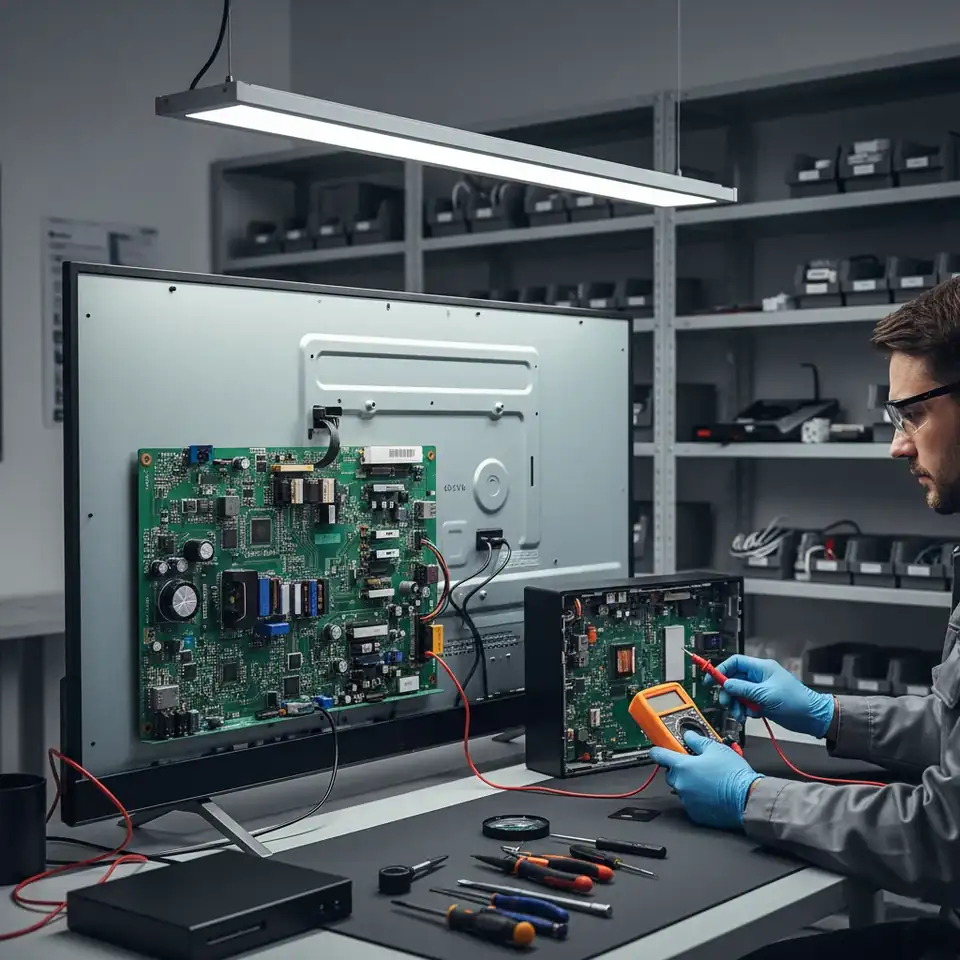
Xiaomi TV repair
Xiaomi TVs used to be sold as Mi TV and are now called Xiaomi TV: A and A Pro, P1, Q1 and Q2 (QLED), S Pro (Mini LED). Global models run Android TV or Google TV, while models for the Chinese market use PatchWall. Common faults:
- the screen flickers, then goes dark — one of the backlight LED strips has failed;
- stuck on the Mi logo, restarting — software or the memory chip;
- can't find Wi-Fi or keeps losing the network — the Wi-Fi module;
- lines or a broken screen — the panel, its cable or the T-Con.
Our catalog lists about 140 Xiaomi TV models: Xiaomi TV repair.
Xiaomi TV series: what we look out for
- A and A Pro, older Mi TV 4A and 4S. Simple LED models. In these series the backlight strips and the power supply are what most often come in for repair.
- P1. 4K LED models; the faults are close to the A series, plus software-related freezes.
- Q1, Q2 and Mi TV 5 Pro (QLED). There is a quantum dot layer between the backlight and the panel. When the backlight strips are replaced, this layer and the diffusers must be taken apart without damage, otherwise spots remain on the screen.
- S Pro (Mini LED). The backlight is split into many small zones controlled by separate drivers. If part of the screen goes dark or the brightness changes zone by zone, we look for the faulty zone and its driver separately.
The model name is on the rear label; if you tell us, we check the part for your series in advance.
Xiaomi TV faults: symptom and cause
One symptom can have several causes, so the exact answer comes from diagnostics. In our experience, though, Xiaomi TV faults usually break down like this:
- Sound but no picture. Shine a flashlight at the screen up close: if you can see a faint image, the backlight has failed. In LED models the diodes are wired in a series chain, so when one burns out the whole strip goes off and the screen turns completely black. The diodes all work under the same load, so we recommend replacing the strips as a set.
- The TV won't turn on at all, the indicator is off. The power supply: most often a fuse, capacitors or the PWM controller fail after a power surge. We restore the unit at component level instead of replacing it as a whole.
- Turns on, gets stuck on the logo, restarts by itself. Corrupted software or a worn memory chip (eMMC). We rewrite the software; if the chip's memory is damaged, we replace the chip and load the software.
- Half the screen is black, colors look negative, vertical stripes. The panel control board (T-Con) or the ribbon cables. Some vertical lines come from the panel itself — diagnostics tells them apart.
- Broken screen or a spot spreading from inside. A panel cannot be repaired, only replaced. Its price depends on the screen size and the model, so we quote the price first and tell you honestly whether the repair is worth it.
- Picture but no sound, or crackling sound. The audio amplifier on the main board or the speakers.
- No signal over HDMI. The port itself or its protection components — usually damaged when devices are plugged in or out while switched on.
- The Bluetooth remote won't pair, Wi-Fi drops. The TV's Wi-Fi / Bluetooth module. We do not repair remotes themselves, but we check the receiving part of the TV.
What you can check yourself before a repair
- Unplug the TV, wait a few minutes and plug it back in — sometimes a freeze clears this way.
- Try another socket and another HDMI cable; disconnect external devices (set-top box, game console).
- If the menu opens, update the software or reset the TV to factory settings; keep in mind that a reset deletes accounts and apps.
- Check the picture from another source — a built-in app or a USB stick: if the picture is there, the problem is on the HDMI side.
- If Wi-Fi can't be found, try the router's 2.4 GHz network and restart the router.
- If the indicator blinks, count the blinks and tell us when you contact us.
If none of this helps, do not open the TV and work inside it yourself: the power supply capacitors can stay charged after switching off, and the panel cracks easily under pressure.
Power surges: how to protect your Xiaomi devices
Some of the Xiaomi TVs and monitors we see failed after a power cut and the power coming back. A surge hits the power supply first — the fuse, the varistor, the capacitors; a stronger one also damages the main board and the HDMI ports. On robot vacuums the dock's power supply is most often the first to burn out. To lower the risk:
- plug the TV and monitor into a surge-protected power strip or a voltage stabilizer;
- if power cuts are frequent, do not leave the TV on standby, switch it off completely;
- plug and unplug HDMI cables only while the devices are switched off;
- when the power comes back, wait a few minutes before switching devices on.
Xiaomi monitor repair
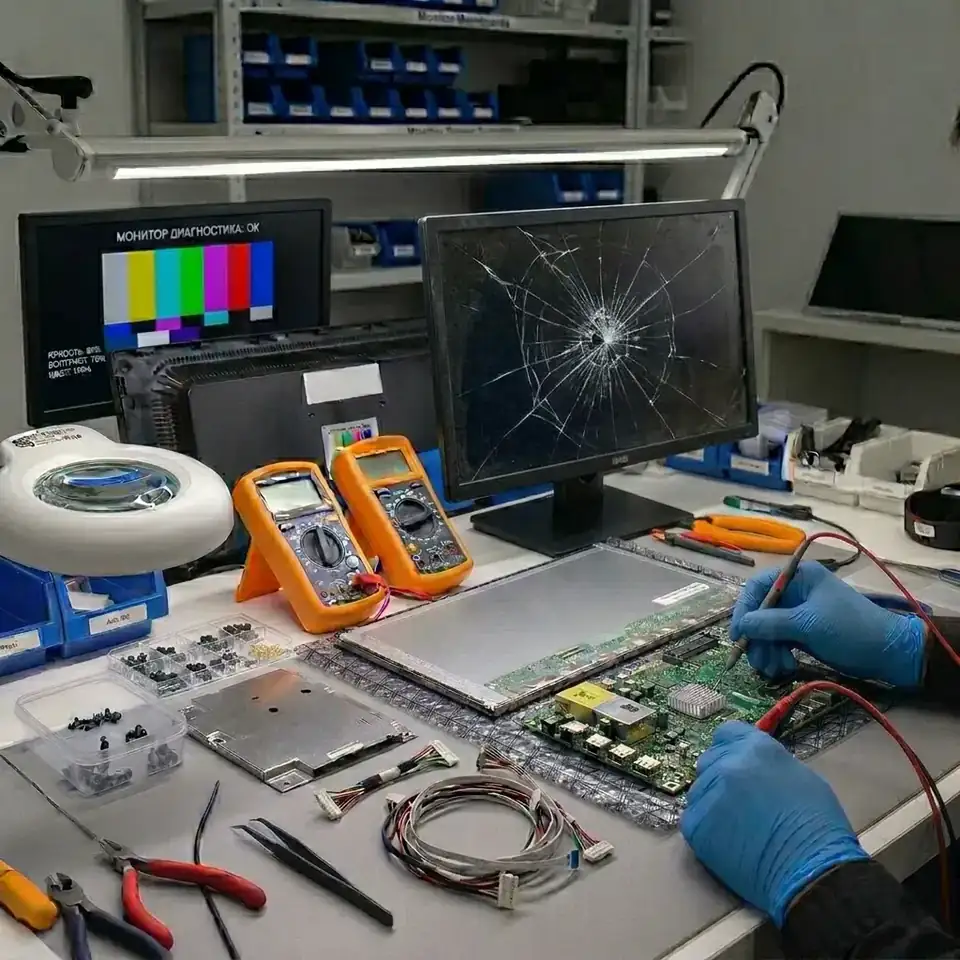
Xiaomi monitors — Mi Curved, Mi 2K Gaming, A24i, A27i, G24i, G27i, G34WQi and other models — are made for office work and gaming. We repair their power supply or external adapter, the backlight and its driver, the main board and the HDMI / DisplayPort ports; if the panel is damaged, we replace it. We also repair curved and ultrawide models — Xiaomi monitor repair.
The faults we see most often on Xiaomi monitors:
- the monitor won't turn on, the button does nothing — the adapter, the power circuit or the main board;
- shows a picture for a second or two, then goes dark — the backlight LEDs or their driver;
- the cable is fine but it says “No signal” — the HDMI / DisplayPort port or the main board;
- flickers or shows wrong colors at a high refresh rate — the cable, the port or the board; we first test with another cable;
- vertical and horizontal lines — the panel cable or the panel itself;
- on curved models, light bleed along the edges — the panel warping in the housing or the backlight.
Before handing in a monitor, check: another cable and another port (DisplayPort instead of HDMI or the other way round), another computer or laptop; that the right input source is selected in the menu; that the indicator on the external adapter is lit. If there is no picture from another source either, the monitor itself is faulty.
For monitors with a cracked panel we also quote the replacement price first: on some models the panel costs almost as much as a new monitor, and it is important to know that before the repair.
Xiaomi robot vacuum repair
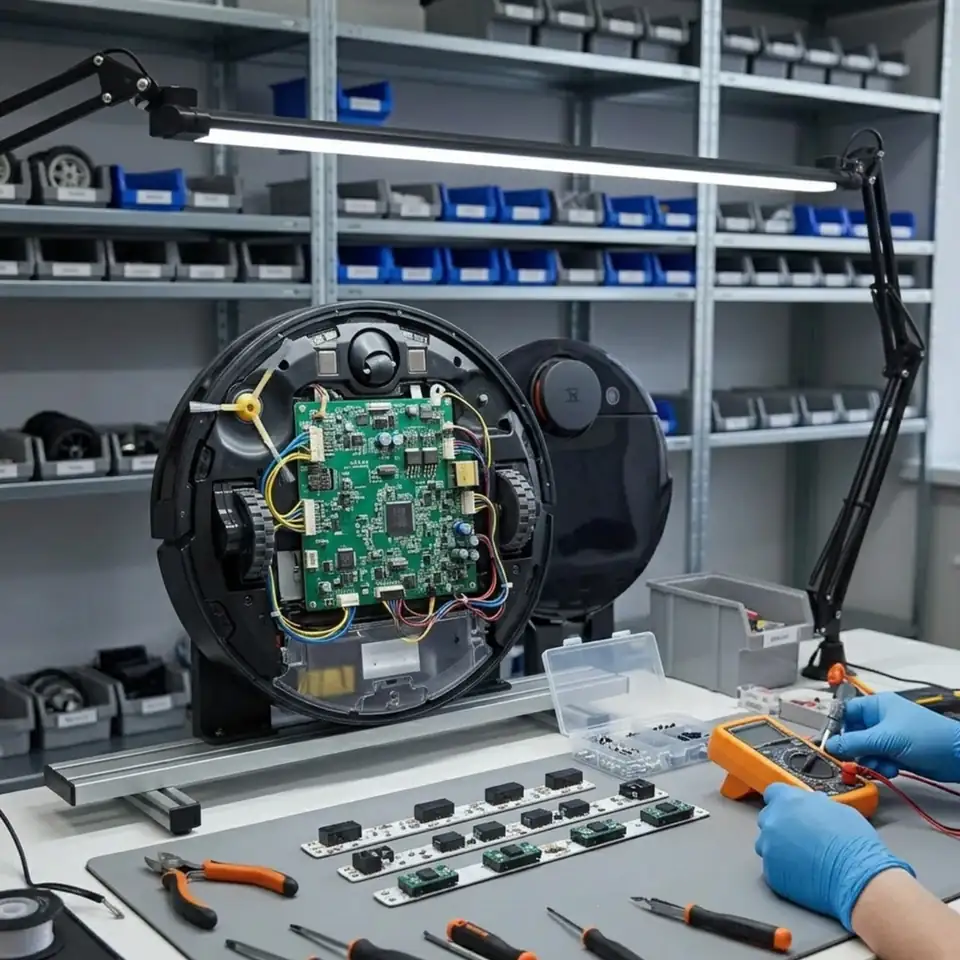
Xiaomi robot vacuums — Mi Robot Vacuum, Mi Robot Vacuum-Mop, Mop 2 Pro, X10, S10, E10 and the Mijia series — are built on platforms from different manufacturers (Roborock, Dreame, Viomi), so they may have a laser sensor, a camera or a gyroscope. Most often the robot won't charge on the dock (battery, contacts, charging circuit), shows a laser sensor error and loses the map (lidar motor, belt), reports a wheel or brush error, or won't connect to Wi-Fi. We test the robot with a cleaning cycle in a room — Xiaomi robot vacuum repair.
Xiaomi robot vacuum units: what breaks
In a robot vacuum the electronics and the mechanics are linked, so an error message does not always point straight at the faulty part. The Xiaomi Home (Mi Home) app and the robot's voice message name the type of error — write it down and tell us when you contact us. The main units and their typical faults:
- Battery. A lithium-ion battery loses capacity over the years: the robot returns to the dock before finishing the room. If the robot was stored discharged for a long time, the battery protection board shuts the battery off completely and the robot won't turn on at all.
- Dock and charging circuit. The robot sits on the dock but does not charge: the dock contacts, its power supply or the charging circuit inside the robot.
- Laser sensor (LDS). The rotating turret on top. When its motor or belt fails, the robot reports a laser sensor error, loses the map or spins in place.
- Bumper and cliff sensors. The robot hits a wall and keeps pushing, or does not see the edge of a stair — the sensors, their cable or the board input.
- Wheel modules. A wheel error, the robot pulls to one side — the wheel motor, gearbox or sensor.
- Brushes and fan. The main or side brush won't spin, suction is weaker, the noise is louder — the brush motors, wound-up hair, the fan motor.
- Mopping system. The mop pad stays dry or the floor gets too wet — the water pump, the tank valve or the pump control.
- Control board and Wi-Fi. The robot does not show up in the app, won't update, buttons don't respond — the Wi-Fi module or the main board.
On models with a self-emptying station we check the station too: its motor, board and sensors. When you hand the robot in for repair, include its dock or station — charging problems are often right there.
Xiaomi robot vacuum error codes
Xiaomi robots built on the Mi Robot Vacuum and Roborock platform show errors as numbers. On Dreame and Viomi based models the numbers differ — check the text in the app there. The main codes:
| Code | Meaning | What to do |
|---|---|---|
| Error 1 | The laser sensor (LDS) is not spinning | Check that nothing blocks the turret; if the error stays, we repair the sensor motor and belt |
| Error 2 | The bumper is stuck | Clean the bumper and tap it a few times; if not fixed — the bumper sensors |
| Error 3 | A wheel is suspended | Put the robot on a flat surface; if not fixed — the wheel module sensor |
| Error 4 | Cliff sensors | Wipe the sensors underneath; if not fixed — the sensors and their cable |
| Error 5 | Main brush | Remove the brush and clean off the hair; if not fixed — the brush motor |
| Error 6 | Side brush | Clean the side brush; if not fixed — its motor |
| Error 7 | Main wheel stuck | Clean the wheel; if not fixed — the wheel module |
| Error 8 | The robot is trapped | Move the robot to an open spot |
| Error 9 | Dustbin or filter missing | Fit the bin and the filter; if not fixed — the bin sensor |
| Error 10 | The filter is wet or clogged | Clean the filter and let it dry completely |
| Error 11 | Strong magnetic field | Move the robot away from the magnetic strip |
| Error 12 | Low battery | Charge the robot; if it drains fast — the battery |
| Error 13 | Charging problem | Wipe the contacts; if not fixed — the dock or the charging circuit |
| Error 14 | Battery error | The battery and its protection board are checked |
If the simple steps do not help, the code comes back or the robot restarts by itself, the fault is in the electronics — we check the robot at our service center.
How to extend the life of a robot vacuum
- Regularly remove hair from the main and side brushes — a clogged brush overloads the motor.
- Keep the filter and the dustbin clean, and let the filter dry completely after washing.
- Wipe the laser sensor, the cliff sensors and the charging contacts with a dry cloth.
- Do not store the robot discharged for long: even if you do not use it, charge it from time to time.
- Pour only liquid allowed by the manufacturer into the mopping tank, and empty the tank after use.
- Update the software through the app: some navigation errors go away after an update.
Other Xiaomi devices
Laptops. On Mi Notebook and RedmiBook laptops we repair the motherboard at component level. Typical cases:
- the laptop won't turn on, the charging indicator is off — the power circuit, the charge controller or the USB-C port;
- it turns on but there is no picture — the RAM, the BIOS memory or the screen cable;
- liquid was spilled on it — switch the laptop off at once and do not try to turn it on; we clean the board and replace corroded components;
- it runs hot and noisy — we clean the cooling system and replace the thermal paste.
We also replace keyboards, screens and batteries.
Cordless stick vacuums. The weak points of these vacuums are the lithium battery, the charging circuit, the control board and the brushless motor. If the vacuum starts and immediately stops, we check the battery and the board.
Mi Box streaming devices. The box won't turn on, gets stuck on the logo or shows no picture — we check the power adapter, the memory and the HDMI port.
What we do not do. We do not repair Xiaomi phones. We do not sell spare parts separately — a part is fitted only as part of a repair. We do not repair remotes. Repairs are done only at our service center.
Xiaomi warranty and our warranty
If the device is still under the manufacturer's warranty and the fault looks like a factory defect, first contact the seller you bought it from or the warranty service they name: with the receipt and the warranty card the repair may cost you nothing. Xiaomi's warranty does not cover everything, though: damage from drops, liquid, power surges and improper use is usually excluded. Devices whose warranty has expired are in the same position.
In these cases we do the repair. We give a warranty on our own work: every type of repair comes with a warranty, and its length depends on the type of device and the work done — we name it together with the price. The warranty covers the part we replaced and the work we did.
Repair or buy new
The decision is yours; after diagnostics we explain it with the price in hand. In our experience:
- Usually worth it: backlight, power supply, software and memory chip, HDMI port, Wi-Fi module, monitor driver, the robot's battery, sensors, wheel and brush motors.
- Needs calculating: a cracked panel, especially on a TV or monitor with a small screen; several units failing at once; extensive board corrosion after a liquid spill.
If a repair is not worth it, we say so plainly — and we start no work without your approval.
How we work
- Diagnostics are paid and take place at our service center: power, boards, the screen, sensors and motors are checked one by one.
- We name the cause and the price before work starts; nothing is repaired without your approval.
- We replace the faulty part or restore it at component level: a capacitor, a chip, a port, LED strips, a motor.
- After the repair we run the device for a long time: the TV and monitor work under load, the robot completes a full cleaning cycle in a room.
- When we hand the device back, we explain what was done and give a warranty on the work.
What to take with you when handing in a device
- Model code. On a TV or monitor it is on the rear label, on a robot — underneath. If you give us the code when you contact us, we check the needed part in advance.
- Adapter and dock. Take the monitor's external adapter, the laptop charger, the robot's dock or station together with the device.
- Description of the fault. When it started, what happened before (a power cut, a liquid spill, a drop), what error appeared on the screen or in the app.
- Data. If possible, copy important files from a laptop beforehand; on a TV, accounts are entered again after a reset.
Xiaomi repair price and turnaround
The prices on this page are “from” prices: they show the minimum cost of the work. The exact price depends on the faulty part and the model and becomes known after diagnostics. Turnaround works the same way: when the part is available, many faults are fixed quickly, and if a panel or a special module has to be ordered, we tell you the time frame in advance. We do not start work until the price and time frame are agreed.
Prices
| Xiaomi tv | from 60 AZN |
|---|---|
| Xiaomi robot vacuum repair | from 50 AZN |
| Xiaomi monitor | from 30 AZN |
These are starting prices: we tell you the exact amount after diagnostics.
Frequently asked questions
Where is the Xiaomi service center?
Innova Service is in Baku, at 5a Ahmad Rajabli Street, Life Centre. This is where we repair Xiaomi TVs, monitors and robot vacuums; opening hours are Monday to Friday, 10:00–18:00.
Do you repair Xiaomi phones?
No, we do not repair phones. We repair Xiaomi TVs, monitors and robot vacuums, and we also take Xiaomi laptops, stick vacuums and Mi Box streaming devices.
My Xiaomi robot vacuum won't charge. What should I do?
Wipe the contacts and place the robot on the dock correctly. If that doesn't help, the battery and the charging circuit are checked.
My Xiaomi TV is stuck on the Mi logo. Can it be repaired?
Yes. The cause is usually the software or the memory chip (eMMC): we rewrite the software and replace the chip if needed.
Can you repair a Xiaomi device that is still under warranty?
We can, but if the warranty has not expired and the fault looks like a factory defect, we recommend contacting the seller first: the repair there may cost you nothing. Cases the warranty does not cover — drops, liquid, power surges — we repair ourselves.
Are diagnostics paid?
Yes, diagnostics are paid. Based on the result we name the faulty part and the exact price; if you do not agree, we do not start the repair.
Do you do repairs at the customer's address?
No, repairs are done only at our service center: that is where the measuring equipment, parts and test conditions are.
Do you replace a broken Xiaomi TV screen?
Yes, the panel is replaced. The price depends on the model and screen size; we tell you whether the repair is worth it together with the price.
My Xiaomi robot loses its map or spins in place. What is the cause?
Most often the laser sensor (LDS) — its motor or belt. First wipe the sensor window; if that doesn't help, the sensor is checked.
My Xiaomi monitor works for a few seconds and goes dark. Can it be repaired?
Yes. The cause is usually the backlight LEDs or their driver — these are repairable, and the panel does not need replacing.
Do you sell spare parts or remotes for Xiaomi?
No. We do not sell parts separately — they are fitted only during a repair. We neither sell nor repair remotes; if the TV does not see its Bluetooth remote, we check the TV's own module.
Do you give a warranty on repairs?
Yes, on every type of repair. Its length depends on the type of device and the work done; we name it together with the price.
My Xiaomi TV has sound but no picture. What should I do?
Shine a flashlight at the screen up close: if you can see a faint image, the backlight has failed. This is the most common Xiaomi TV repair: the LED strips are replaced and the panel stays as it is.
Do you replace Xiaomi robot batteries?
Yes. If the robot returns to the dock before finishing the room or won't turn on at all, we first check the battery and its protection board; if needed, the battery is replaced with one that matches the model.
HDMI doesn't work on my Xiaomi monitor but DisplayPort does. Can it be repaired?
Yes. Usually the HDMI port or its protection components are damaged — they are replaced, and most often the main board does not need replacing as a whole.
My Mi Box is stuck on the logo. Can it be repaired?
Yes. First we check the adapter — a weak adapter often causes this symptom — then the software and the memory. The software is rewritten and the memory chip replaced if needed.
My Xiaomi robot shows Error 13. What does it mean?
A charging problem: the robot is not getting charge on the dock. Wipe the contacts on the robot and the dock and check that the dock is plugged in. If the error stays, the dock power supply or the robot charging circuit is checked.
Do you repair Xiaomi laptops?
Yes, we repair Mi Notebook and RedmiBook laptops, including component-level motherboard repair.
Send a request — we will quote the price
- 070 262 19 19Call us
-
5a Ahmad Rajabli St. (Life Centre)Baku, AZ1052
-
Mon — Fri, 10:00–18:00Sat, Sun — closed
- service@innova.azEmail