
 Azərbaycan
 Русский
 English
 Türkçe
Sony service in Baku: TV, monitor and projector repair
We repair Sony Bravia TVs, INZONE monitors and VPL projectors: diagnostics at our service center, the price in advance and a warranty on the work.
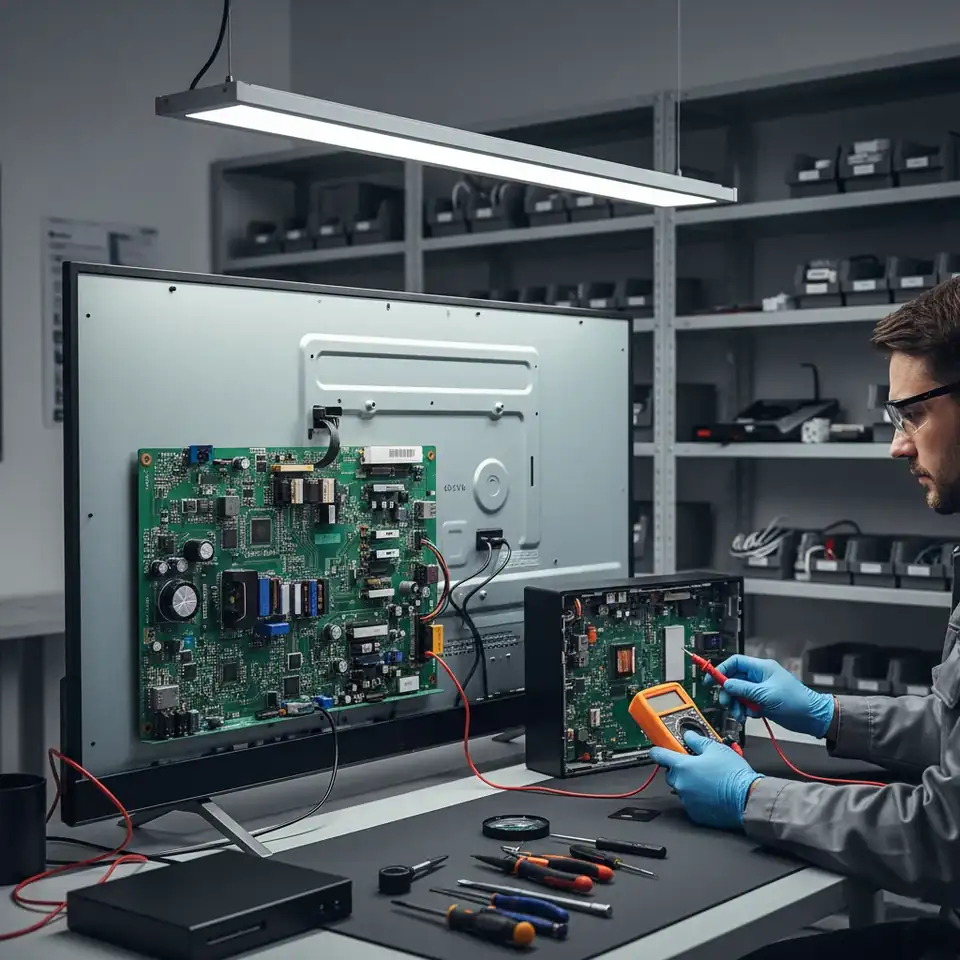

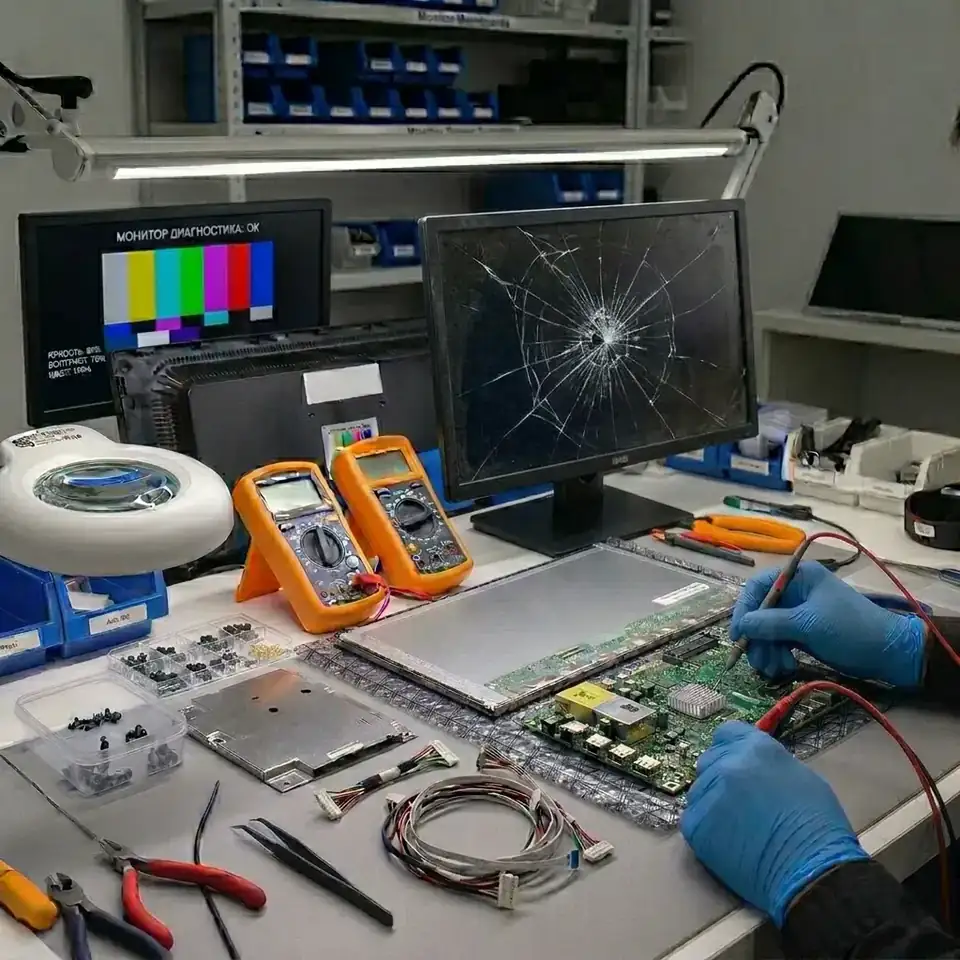
Get a repair quote
Choose your device and leave your number — we will contact you as soon as possible.
Innova Service has been repairing electronics in Baku since 2008. For Sony we work with three types of equipment: Bravia TVs, INZONE monitors and VPL projectors. We also repair Sony PlayStation consoles — that is a separate service; we do not repair Sony phones. Diagnostics are done at our service center, we tell you the cause and the price before starting, and we give a warranty on the work done.
Sony Bravia TVs
The Bravia range includes OLED (A series) and LED models, among them Full Array and Mini LED models (X series). Sony has used Android TV since 2015 and Google TV since 2021.
- The red indicator blinks several times. The TV reports a fault by the number of blinks — note it down.
- Sound but a black screen. On LED models, the backlight.
- Slow, stuck on the logo. The Android TV or Google TV software, or the memory chip.
- Lines or image retention on OLED. The panel itself.
Over 680 models and their repair — Sony TV repair.
Sony INZONE monitors
Since 2022 Sony has made INZONE gaming monitors: the M3, the M9 and newer models. These are high-refresh monitors, and their electronics are more complex than those of an ordinary office monitor.
- Won't turn on. The power supply or the external adapter.
- The indicator is on, the screen is black. The backlight and its driver (on LCD models) or the main board.
- Lines, spots. The T-Con board, the panel cable or the panel itself.
- "No signal". The HDMI or DisplayPort port, the main board.
Find your model — Sony monitor repair.
Sony projectors
The VPL series: office projectors use 3LCD technology, while home theater models use SXRD.
- Colored spots, a color tint. Dust in the optical block, aging panels.
- The lamp won't light. The lamp or the ballast.
- Overheats and shuts down. The filter and the fan.
- Won't turn on. The power supply or the board.
Error indicators and how the repair goes — Sony projector repair.
Sony service: what we repair and what we don't
Most people looking for a Sony service in Baku come to us with a Bravia TV, and less often with an INZONE monitor or a VPL projector. On TVs and monitors we repair the power supply, the backlight, the main board, the T-con board, the ports, the audio amplifier and the Wi-Fi module, and we restore the Android TV and Google TV software. On projectors we deal with the lamp and its ballast, the power supply, the boards, cooling and dust in the optical block. We do not repair phones or remote controls and do not sell spare parts separately. Repairs are carried out only at our service center in Baku; we do not make house calls.
The red indicator blinks: how to read it
When a Bravia detects a fault, it goes into protection and reports it by blinking the red indicator. The blinks come in groups: the indicator blinks several times, pauses, then repeats the same number. Count the blinks in one group two or three times to be sure, and write down the number along with the model code from the label on the back. The meaning of the number depends on the chassis, so we read it together with the model; it points to the unit to check first — the power supply, the backlight or the main board. Do not switch the TV on again and again while it is in protection: if the power supply or the backlight has a short circuit, repeated starts can damage other components.
A Sony TV turns off by itself
First rule out the settings: the sleep timer, the auto power-off when there is no signal or no activity, and power-saving modes. Devices connected via HDMI can also switch the TV off through HDMI-CEC (Bravia Sync) — try disconnecting them. If the TV still goes off after a few minutes or hours, and especially if the red indicator then blinks, the protection has kicked in. The usual causes are the capacitors in the power supply, a short in the LED backlight or the processor's power circuits on the main board. We find the faulty unit by measuring the voltages under load.
A Bravia screen flickers
Flicker that follows the content and disappears with a different source is often a settings or signal issue: check the HDMI cable and try another input. If the whole picture flickers or the brightness pulses on any source, including the TV's own menu, the cause is usually in the backlight driver, the power supply or the T-con board and the panel ribbon cables. Flickering stripes or colours point to the T-con and the ribbon cables, while an even pulsing of brightness points to the backlight and its power.
The TV doesn't respond to the remote or the buttons
We do not repair remote controls, but it is worth checking the remote first: replace the batteries and look at the remote's infrared LED through a phone camera while pressing a button. If the remote is fine but the TV doesn't respond to it or to its own buttons, the cause can be the infrared receiver and button board, the cable to the main board, or a frozen Android TV or Google TV system. If the TV responds to its buttons but not to the remote, the receiver is the likely cause; if it doesn't respond to anything, the software or the main board.
Restarting a Sony TV and its apps
Many software problems are solved by a restart. On Android TV and Google TV models, press and hold the power button on the remote until the TV restarts, or unplug it for a couple of minutes. If one app freezes, open Settings, go to Apps, select the app and choose Force stop; clearing the app's cache also helps. A factory reset is the last resort: it erases your settings and accounts. If the TV freezes on the logo, keeps restarting or the reset doesn't help, the memory chip or the system software is the cause — we reflash the memory and repair the main board.
Price and warranty
Diagnostics are paid. We tell you the cause and the price before starting, and start work only with your approval; "from" prices are shown in the table below. We give a warranty on the work done; its length depends on the type of equipment and the repair. If a part has to be ordered, we tell you the time frame in advance.
How we work
- Diagnostics are done at our service center; we also read the indicator blinks and error codes.
- We tell you the cause and the price in advance; work starts only with your approval.
- We restore boards at component level and replace the backlight, the panel or the lamp.
- We test the equipment with a long run and give a warranty on the work done.
Prices
| Sony tv | from 60 AZN |
|---|---|
| Sony projector repair | from 50 AZN |
| Sony monitor | from 30 AZN |
These are starting prices: we tell you the exact amount after diagnostics.
Frequently asked questions
Where is the Sony service center in Baku?
Innova Service is at 5a Ahmad Rajabli Street, Life Centre, Baku. This is where we repair Sony TVs, monitors and projectors. Business hours: Monday to Friday, 10:00–18:00.
Do you repair Sony phones?
No, we do not repair phones. We repair Sony TVs, monitors, projectors and PlayStation consoles.
My Sony TV turns off by itself. What is the cause?
First check the timer and power-saving settings in the menu. If the TV goes off and the red indicator blinks, the protection has kicked in: most often the cause is the power supply, the backlight or the main board. Tell us the number of blinks when you contact us.
How much does a Sony repair cost?
The price depends on the equipment and the fault. We quote the exact price after diagnostics, before starting work, and give a warranty on the work done.
How do I reset my Sony TV?
On Android TV and Google TV models, press and hold the power button on the remote until the TV restarts, or unplug it for a couple of minutes. A factory reset is the last resort, as it erases your settings. If the TV keeps freezing after a reset, the cause is the memory chip or the main board, and we repair it.
My Sony Bravia screen flickers. Can it be repaired?
Yes. If the flicker remains on every source, including the TV menu, the cause is usually the backlight driver, the power supply or the T-con board. We find the faulty unit at diagnostics and repair it.
My Sony TV doesn't respond to the remote. Do you repair remotes?
We do not repair remote controls. Check the batteries first. If the remote works but the TV doesn't respond, we check the infrared receiver, the button board and the TV software.
Send a request — we will quote the price
- 070 262 19 19Call us
-
5a Ahmad Rajabli St. (Life Centre)Baku, AZ1052
-
Mon — Fri, 10:00–18:00Sat, Sun — closed
- service@innova.azEmail