
 Azərbaycan
 Русский
 English
 Türkçe
Huawei service in Baku: TV and monitor repair
We repair Huawei Vision TVs and MateView monitors at our service center in Baku. The price is quoted after diagnostics, before any work starts.
Which Huawei devices we repair
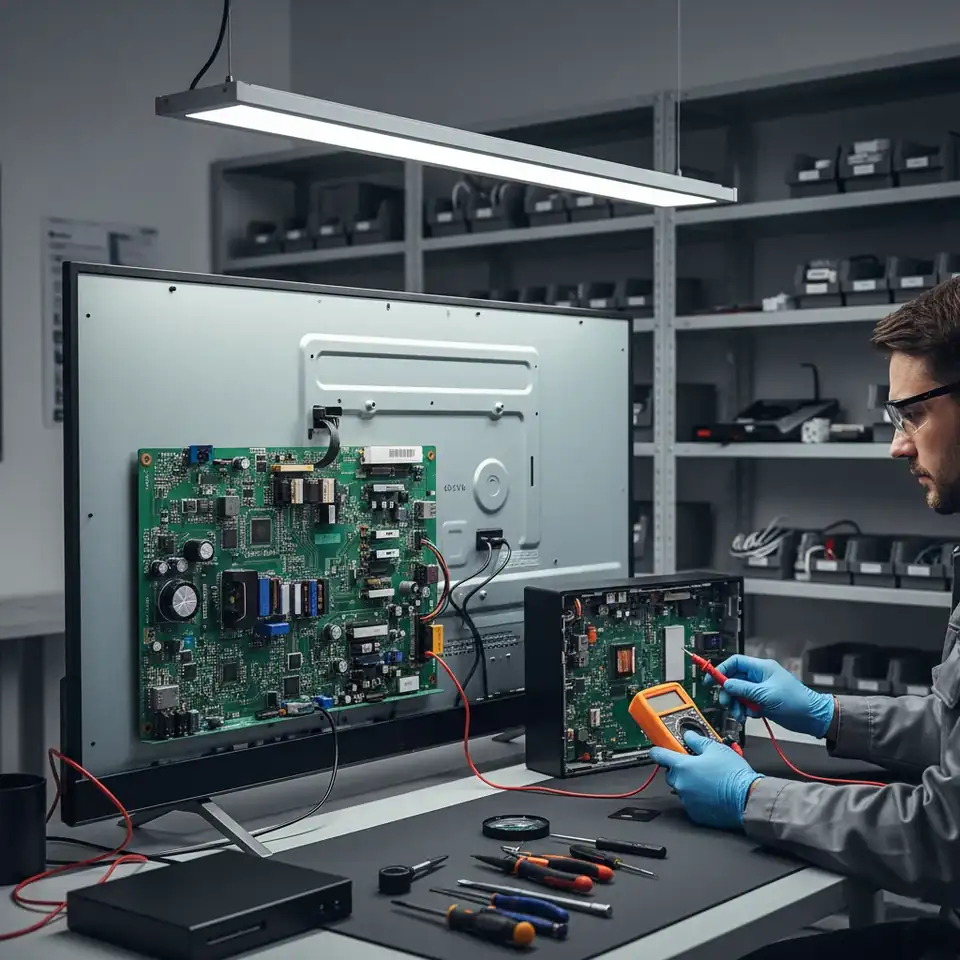
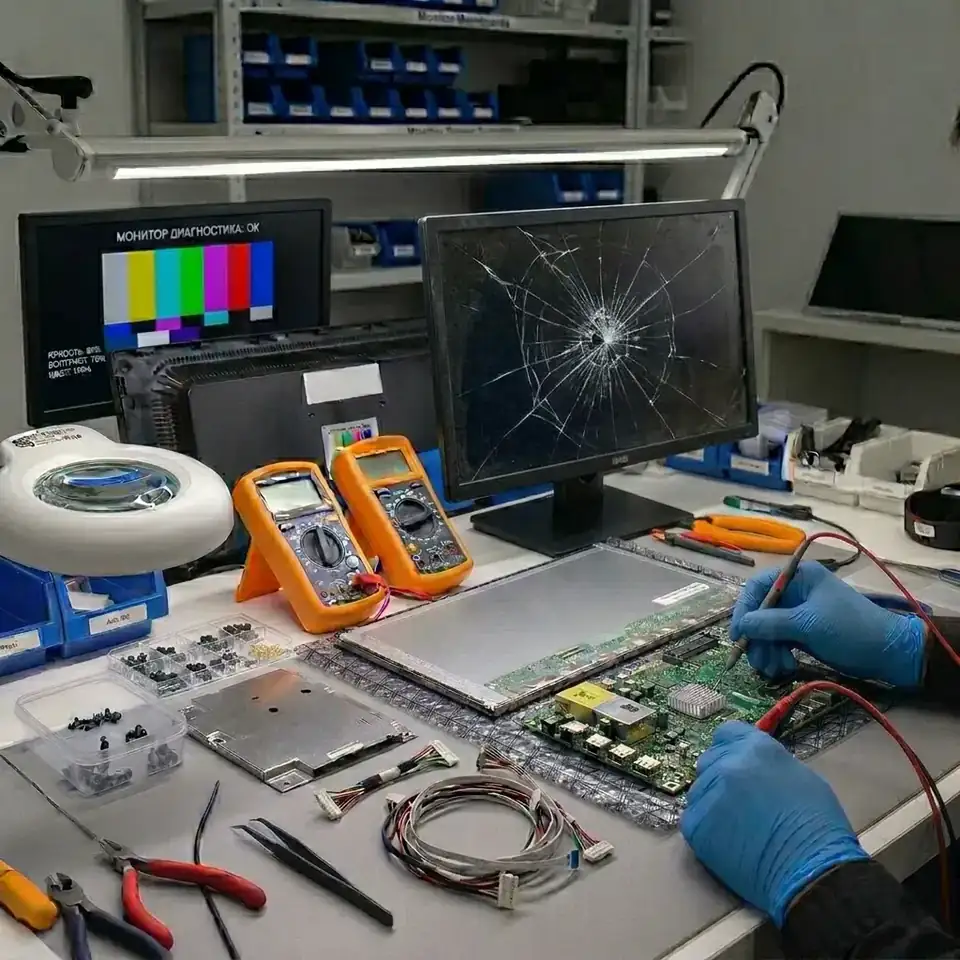
Get a repair quote
Choose your device and leave your number — we will contact you as soon as possible.
Innova Service has been repairing electronics in Baku since 2008. For the Huawei brand we repair TVs and monitors: Vision series TVs, Honor Vision models and MateView monitors. We also accept Huawei laptops (MateBook) and Huawei solar inverters, but we do not repair phones. Every device is first checked at our service center: we find the cause, quote the exact price before work starts and give a warranty on the work done.
Huawei TVs
Huawei Vision (Smart Screen) TVs, as well as the Honor Vision models released while Honor was still a Huawei sub-brand, run HarmonyOS. The range covers 55 to 98 inches: V55i, V65, V75, Vision S, X65, V98. Typical faults:
- Sound but a black screen. The LED backlight strips or their power circuit; we replace the strips as a full set.
- Won't turn on or switches off by itself. The power supply, most often after a power outage or a voltage surge.
- Stuck on the logo, the menu freezes. The software or the memory chip (eMMC); we restore it.
- Lines, half of the screen dark. The T-Con board, the ribbon cable or the panel. On 75–98-inch models a panel replacement is expensive, so we check the cheaper causes first.
- Picture but no sound. The audio amplifier on the main board or the speaker cable.
- Wi-Fi not found, one of the HDMI ports shows no picture. The Wi-Fi module, the port or the HDMI receiver on the main board; we replace the port alone, not the whole board.
Models and repair details: Huawei TV repair.
Huawei monitors
Huawei monitors: the 28.2-inch MateView with a 3:2 screen, the 27- and 34-inch MateView GT gaming monitors and the basic 23.8-inch MateView SE (model code SSN-24). We restore their electronics at component level:
- No power, the indicator is off. The power supply or the adapter.
- The picture appears for a few seconds and goes dark. The backlight driver or a failed LED.
- No signal over USB-C, HDMI or DisplayPort. The port or the main board (scaler).
- Lines, spots. The T-Con, the panel cable or the panel itself. On the curved 34-inch MateView GT a panel replacement is expensive — we quote the price in advance.
- The laptop is connected over USB-C but does not charge. The monitor's USB-C power circuit or its control chip.
- The monitor turns off and on by itself, the buttons don't work. Capacitors in the power supply or the control button board.
More details: Huawei monitor repair.
Huawei MateBook laptops
In most MateBook D, MateBook 14, MateBook 16 and MateBook X Pro laptops the RAM is soldered to the motherboard, so most faults are solved right on that board. The core of our work is component-level motherboard repair: a laptop that was told “the board needs replacing” elsewhere is often restored here by replacing the faulty component.
- Won't turn on, won't charge over USB-C. The charging controller (USB-C Power Delivery) or a short circuit in the power rail.
- Liquid spilled on the keyboard. Switch the laptop off at once and do not plug in the charger: corrosion spreads across the board with every hour. We clean the board and replace damaged components.
- The battery drains fast or has swollen. We replace the battery; using a swollen battery is dangerous.
- Black screen, but an external monitor shows a picture. The panel, its cable or the backlight circuit.
- Runs hot, the fan is noisy. We clean the cooling system and replace the thermal paste.
Huawei solar inverters
Huawei SUN2000 grid-tie and hybrid inverters convert the DC from solar panels into grid AC. Most of these models have no display: their status and alarms are shown in the FusionSolar app. We repair the electronics — the power supply, power switches (IGBT, MOSFET), grid relays, control and communication boards — at our service center.
- The inverter won't start, the app shows an alarm. The panel-side input, the insulation monitoring circuit or the internal power supply.
- Won't connect to the grid, trips on and off many times a day. The grid relays, voltage sensors or the control board.
- Dead after a thunderstorm or a voltage surge. Protection components and power switches.
Installing panels, taking the inverter off the wall and reconnecting it are outside our scope: we repair the inverter at our service center.
What you can check yourself
Sometimes the cause is not in the device itself. Before contacting the service, check the following:
- The TV or monitor won't turn on. Plug another appliance into the socket, take the voltage stabilizer or extension cord out of the chain and connect the device directly to the socket.
- The TV is stuck on the logo. Unplug it for a few minutes and switch it on again. If it happens at every start, the cause is the software or the memory chip.
- The monitor shows no signal. Try another cable and another input, and select the correct source in the menu.
- The MateBook won't charge. Try another suitable adapter and USB-C cable.
If none of this helps, the fault is in the electronics, and it cannot be found without measurements.
Before handing in your Huawei device
- If the device won't turn on after a voltage surge, do not keep switching it on: every attempt can make the power supply damage worse.
- Note the model code: on a TV it is on the label on the back panel, on a monitor on the back (for example SSN-24), on a laptop on the bottom cover.
- If there is an error or a strange picture, take a photo or video — our technician will give a preliminary price faster.
- Carry a TV or monitor upright, never screen-down: a large panel is sensitive to bending.
How we work
- Fill out the form, call us or message us on WhatsApp. The model code and a photo or video of the fault help us give a preliminary price faster.
- Diagnostics take place at our service center: the power circuits, backlight, boards and ports are tested separately.
- We tell you the cause, the exact price and the timing in advance; no repair starts without your approval.
- After the repair the device runs for a long test, and we give a warranty on the work done.
Price and warranty
Diagnostics is paid: the technician finds the cause of the fault by taking measurements. Starting prices are shown in the price table on this page as “from” prices; the final amount depends on the fault and the part needed, and we quote it before work starts. We give a warranty on the work done; the warranty period depends on the type of device, and we tell you before the repair.
What our Huawei service does not do
We do not repair Huawei phones. We do not sell spare parts separately, and we do not repair remote controls. Repairs are done only at our service center — our technicians do not make house calls. If you have a Huawei TV, monitor, MateBook laptop or SUN2000 inverter, fill out the form or call us: our technician will give preliminary information based on the description of the fault.
Prices
| Huawei tv | from 60 AZN |
|---|---|
| Huawei monitor | from 30 AZN |
These are starting prices: we tell you the exact amount after diagnostics.
Frequently asked questions
Where is the Huawei service center in Baku?
Innova Service is at 5a Ahmad Rajabli Street, Life Centre, Baku. We work Monday to Friday, 10:00–18:00, and repair Huawei TVs and monitors here.
Do you repair Huawei phones?
No, we do not repair phones. For Huawei we repair TVs, monitors, MateBook laptops and solar inverters.
Do you replace the screen of a Huawei MateView GT 34?
Yes, if the panel is damaged. We first check that the lines and spots are not caused by the T-Con board or the cable: that repair costs much less. The price and timing are quoted in advance.
When do you quote the price for a Huawei repair?
After diagnostics, before work starts. The price depends on the fault and the part needed; no repair starts without your approval, and we give a warranty on the work done.
Do you repair Huawei MateBook laptops?
Yes. We restore the motherboard at component level, clean liquid-damaged laptops and replace the battery, screen and keyboard. The price is quoted after diagnostics, before work starts.
Do you repair Huawei SUN2000 inverters?
Yes, we repair the inverter electronics at our service center: the power supply, power switches, relays and control board. Installing panels and dismounting or reconnecting the inverter are outside our scope.
Do you repair Honor Vision TVs too?
Yes. Honor Vision models share the platform of Huawei Vision, so we restore the backlight, power supply, main board and software the same way.
Is diagnostics paid?
Yes, diagnostics is paid: the technician finds the cause of the fault and quotes the repair price in advance. No repair starts without your approval.
Do you give a warranty on Huawei repairs?
Yes, we give a warranty on the work done. The warranty period depends on the type of device, and we tell you before the repair.
Does the technician make house calls?
No, repairs are done only at our service center: it has the measuring equipment and test bench needed to find the fault precisely.
My Huawei TV is stuck on the logo. Do you restore the software?
Yes. We first check the memory chip (eMMC): if it is healthy, we rewrite the software; if it is damaged, we replace the chip and load the software.
Is it worth replacing the panel of a Huawei monitor?
The panel is the most expensive part of a monitor. That is why we first check the T-Con board, the cable and the backlight. If the panel does need replacing, we quote the price in advance, and the decision is yours.
How long does a Huawei repair take?
It depends on the fault and on whether the needed part is available. We give the exact timing after diagnostics, together with the price.
Send a request — we will quote the price
- 070 262 19 19Call us
-
5a Ahmad Rajabli St. (Life Centre)Baku, AZ1052
-
Mon — Fri, 10:00–18:00Sat, Sun — closed
- service@innova.azEmail