
 Azərbaycan
 Русский
 English
 Türkçe
Acer service in Baku: monitor, projector and laptop repair
We repair Acer monitors — from office models to Nitro and Predator gaming monitors — DLP projectors and laptops: diagnostics, the price in advance and a warranty on the work.
Which Acer devices we repair
Get a repair quote
Choose your device and leave your number — we will contact you as soon as possible.
Innova Service has been repairing electronics in Baku since 2008. For Acer service, people most often bring us monitors, projectors and laptops. Monitor and projector repair have their own pages, and Acer laptops are repaired as part of our laptop repair service. Diagnostics are done at our service center, we tell you the cause of the fault and the price before starting, and we give a warranty on the work done.
Acer monitors
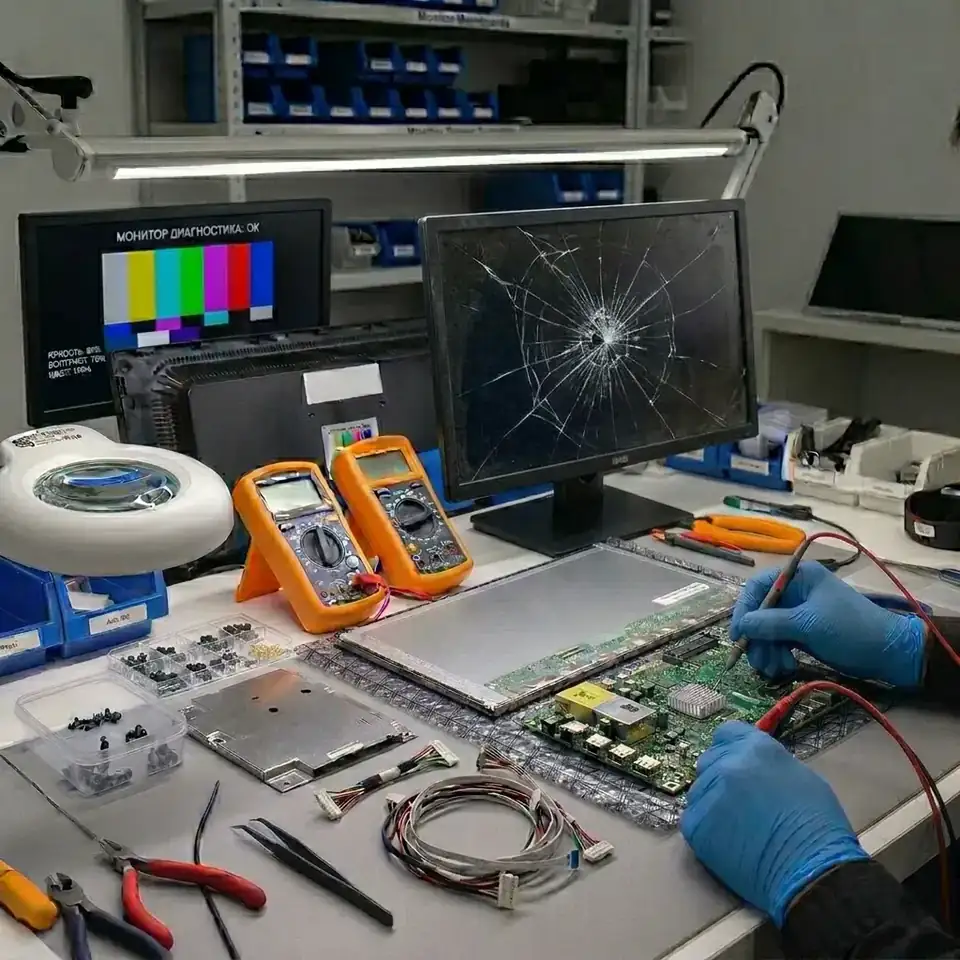
Office and home monitors, curved models, Nitro and Predator gaming monitors. Our catalog lists over 1,100 Acer models from 2008 to the present; the model code is on the label at the back, for example Nitro XV242Y or V246HYL. High-refresh gaming monitors have more complex electronics: powerful backlight drivers, complex scalers and, on some models, a separate sync module.
- No power, the indicator is off. The power supply or the external adapter.
- The indicator is on, the screen is black. The backlight or its driver; sometimes the main board.
- The picture appears for a few seconds and goes dark. The backlight driver or one of the LEDs.
- Lines, spots. The T-Con board, the panel cable or the panel itself — we replace panels too.
- "No signal". The HDMI or DisplayPort port, the main board.
Some Acer monitors run on an external adapter, others have a built-in power supply. If a monitor with an adapter won't turn on, we check the adapter first: it fails more often than the monitor itself. On models with a built-in power supply, the typical cause is aged capacitors and components burnt after a power surge. On gaming monitors, flicker at high refresh rates, picture tearing or a lost mode often come down to the cable, the port or the scaler firmware: we first test with another cable and port, then measure the board. Find your model — Acer monitor repair.
Acer laptops
Aspire, Extensa and TravelMate are home and office laptops, Swift and Spin are lightweight models, Nitro and Predator Helios are gaming laptops. We repair Acer laptops at component level: we measure the motherboard, find and replace the faulty component, so in most cases there is no need to buy a new board. In gaming models the CPU and GPU power circuits work hard under load and the cooling quickly clogs with dust — these laptops most often come to us with overheating and shutdowns during games. On some thin Swift models the RAM is soldered to the board — on such laptops a memory fault is also repaired at board level.
- Won't turn on, no lights. The motherboard power circuits, the charge controller or the adapter.
- Won't charge. The adapter, the charging port, the battery or the charging circuit on the board.
- Overheats and shuts down. Dust-clogged cooling, dried-out thermal paste; on gaming models, the GPU power circuit.
- Black or striped screen. The panel, its cable or the graphics chip; we replace panels.
- Liquid spill. Turn the laptop off and unplug it at once, do not try to switch it on — corrosion gradually kills the board.
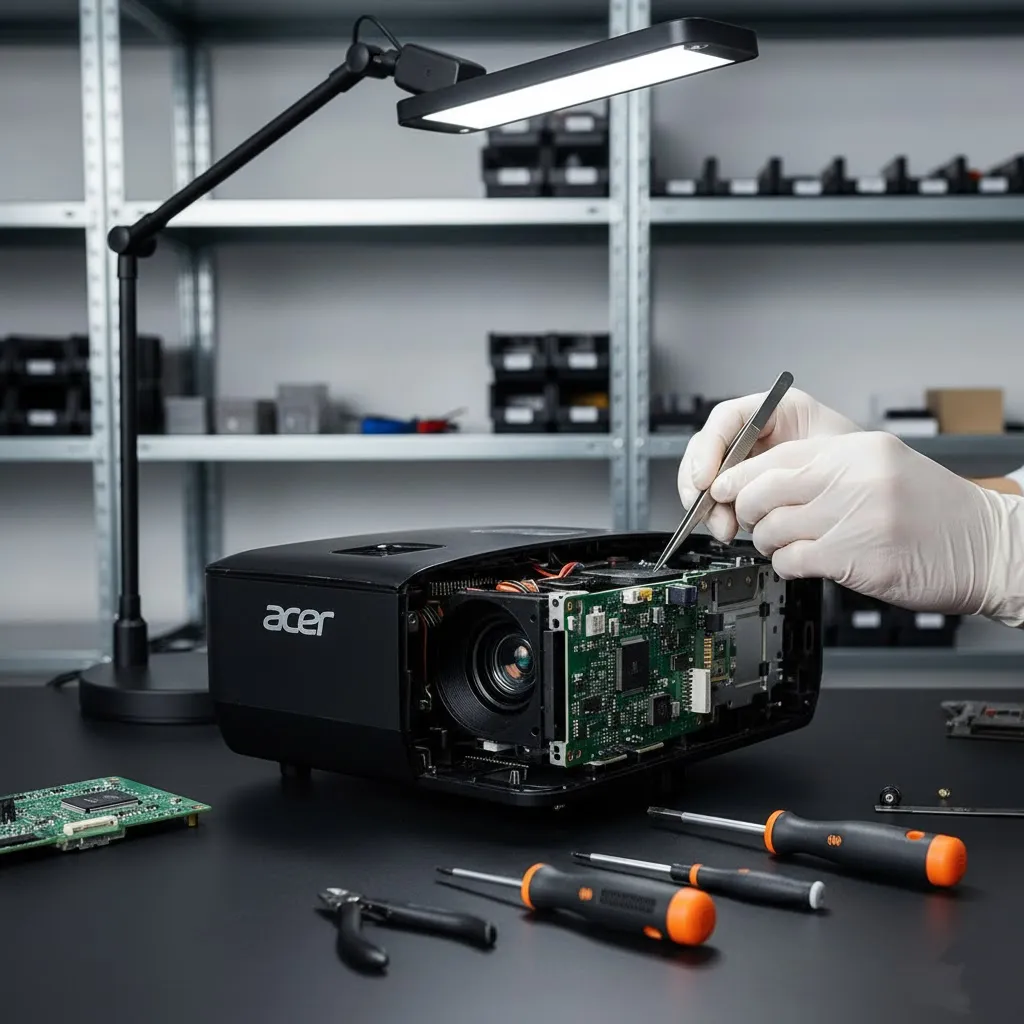
Acer projectors
The X, P and H series use DLP technology; office and education models are widespread.
- White dots on the screen. The DMD chip.
- The lamp won't light. The lamp or the ballast.
- Overheats and shuts down. Dust and the fan.
- No signal. The HDMI or VGA input, or the board.
In lamp-based DLP projectors the light passes through a spinning color wheel. If the colors are wrong or the projector switches itself off shortly after start-up, the cause is often the color wheel motor or its sensor. When the lamp reaches the end of its life, the projector shows a warning; after a lamp replacement its hour counter has to be reset in the menu. Cleaning the filter and the fan regularly prevents overheating. Error indicators and how the repair goes — Acer projector repair.
What to check yourself first
- The monitor says "no signal". Unplug and reconnect the cable at both ends, select the correct input (HDMI, DisplayPort) in the monitor menu, and try another cable or computer.
- The monitor or laptop won't turn on. Check the socket, the extension cord and the adapter; if possible, try another compatible adapter.
- The projector shuts down. Make sure the vents are not blocked, clean the filter and let the unit cool down.
- The laptop runs hot. Use it on a hard desk rather than a soft surface; the vents must stay open.
If these steps do not help, do not open the device yourself: the power supply capacitors can hold a charge, and DIY tampering makes the later repair harder and more expensive.
Repair or buy new?
On Acer gaming monitors, Nitro and Predator laptops and projectors, a board repair costs far less than a new device, so repair usually pays off. Faults in the power supply, the backlight, the ports or the T-Con board are also usually worth repairing. If the panel of an inexpensive office monitor is cracked, a new panel can cost close to a new monitor — we say so honestly after diagnostics, and the decision is yours. If the required component cannot be found for an old model, we tell you that before starting work as well.
Acer equipment in and out of warranty
We repair Acer monitors, projectors and laptops regardless of their age, where they were bought and whether the factory warranty is still valid. Most devices reach us after the warranty has expired. If the seller's warranty is still in force, we advise checking its terms first: opening the device at another service can void it. We give our own warranty on the work done; its length depends on the equipment and the type of work.
What to tell us when you contact us
- The model code. On a monitor it is on the label at the back (for example V246HYL), on a laptop on the bottom cover (for example Aspire 3 A315), on a projector on the underside of the case.
- The symptom. Tell us whether the indicator is on, what the screen looks like and which indicator is lit on the projector.
- How the fault started. If it happened after a power cut, a knock or a liquid spill, mention it.
- Previous repairs. If the device has already been opened elsewhere, let us know.
- The adapter. Bring a laptop or an adapter-powered monitor together with its adapter — we check it too.
How we work
- Diagnostics at our service center: we check the power supply, the backlight or light source, the boards and the ports. Diagnostics are paid.
- We tell you the cause and the price in advance; work starts only with your approval.
- We replace faulty components and, if needed, the panel, the DMD chip or the lamp.
- We test the equipment for a long time in different modes and give a warranty on the work done.
- Repairs are carried out only at our service center. We do not sell spare parts separately — the component needed is replaced during the repair.
Prices
| Acer projector repair | from 50 AZN |
|---|---|
| Acer monitor | from 30 AZN |
These are starting prices: we tell you the exact amount after diagnostics.
Frequently asked questions
Where is the Acer service center in Baku?
Innova Service is at 5a Ahmad Rajabli Street, Life Centre, Baku. This is where we repair Acer monitors, projectors and laptops. Business hours: Monday to Friday, 10:00–18:00.
Do you repair Acer laptops?
Yes, we repair Acer laptops too: the motherboard, the screen, charging and overheating. That is a separate service.
Do you replace Acer monitor screens?
Yes, if the panel is damaged, we replace it. First we check that the lines and spots are not caused by the T-Con board or the cable — those are cheaper to repair.
How much does an Acer repair cost?
The price depends on the model and the fault. We quote the exact price after diagnostics, before starting work, and give a warranty on the work done.
Are diagnostics paid?
Yes, diagnostics are paid: the technician finds the cause by measurement, and then we quote the exact repair price. Work starts only with your approval.
Do you sell Acer spare parts?
No, we do not sell spare parts separately — we only repair. The component that is needed is replaced during the repair.
How long does a repair take?
It depends on the fault and on how quickly the required component can be found. After diagnostics we give you an estimated time together with the price.
Do you repair the boards of Acer Predator and Nitro monitors?
Yes, we repair the power supply, the backlight driver, the ports and the main board of Predator and Nitro monitors at component level. We check the cable and the port first, then measure the board.
Do you replace Acer projector lamps?
Yes. If the lamp won't light, we first check the lamp itself and the ballast. After replacing the lamp we reset its hour counter and test the projector over a long run.
Send a request — we will quote the price
- 070 262 19 19Call us
-
5a Ahmad Rajabli St. (Life Centre)Baku, AZ1052
-
Mon — Fri, 10:00–18:00Sat, Sun — closed
- service@innova.azEmail