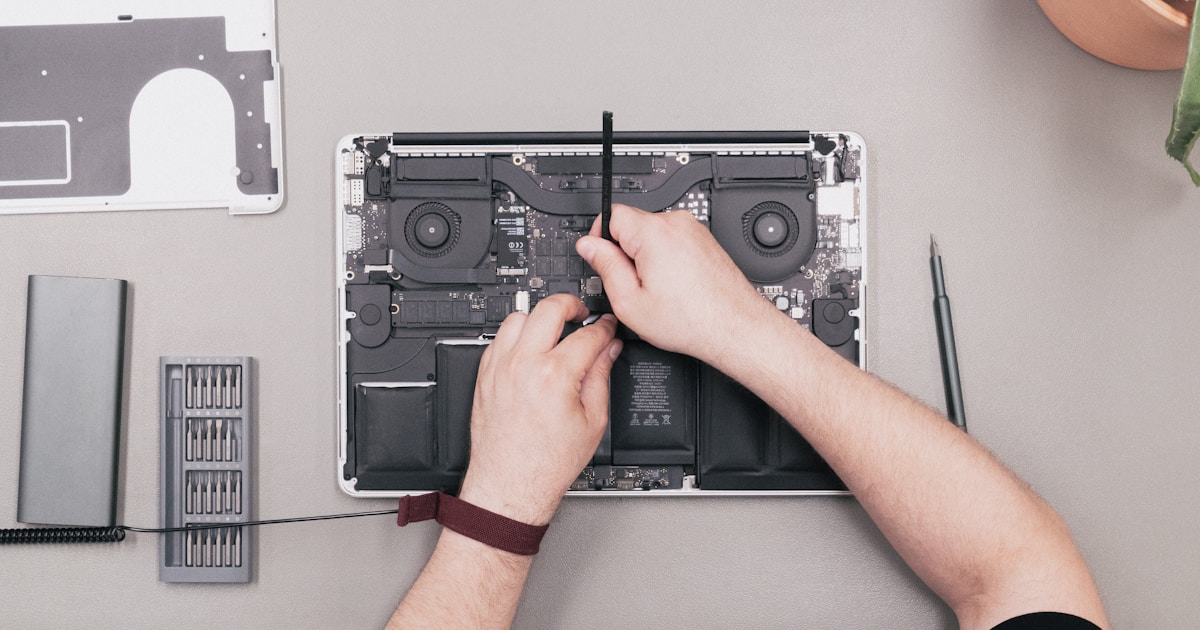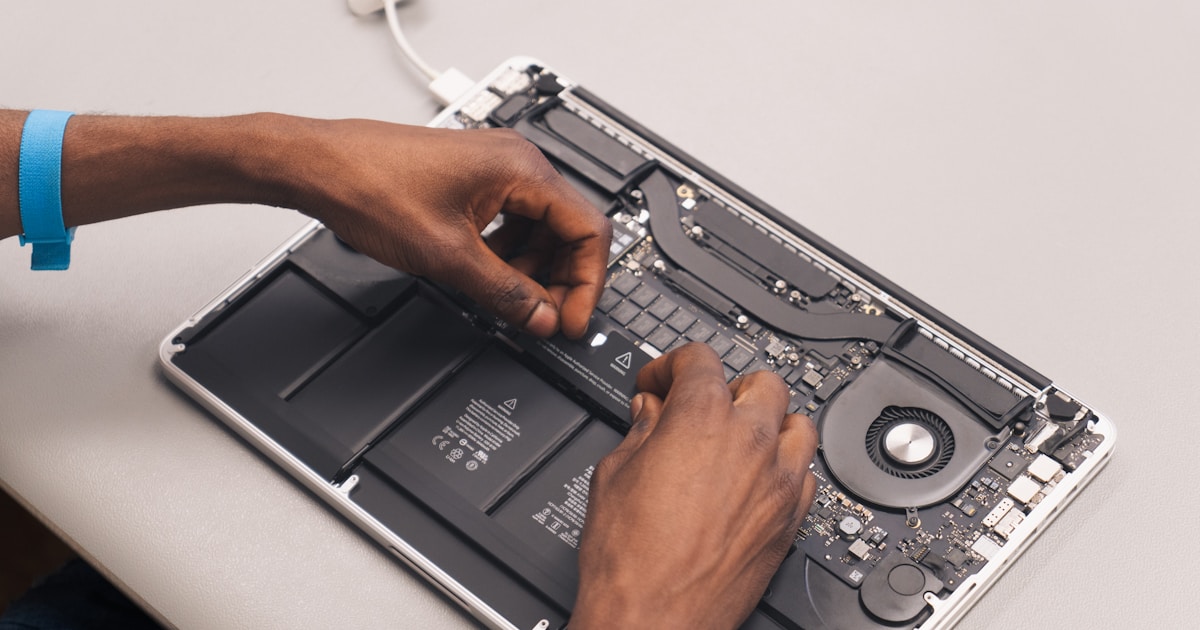
MacBook SSD and memory repair

Understanding MacBook SSD and Memory Issues
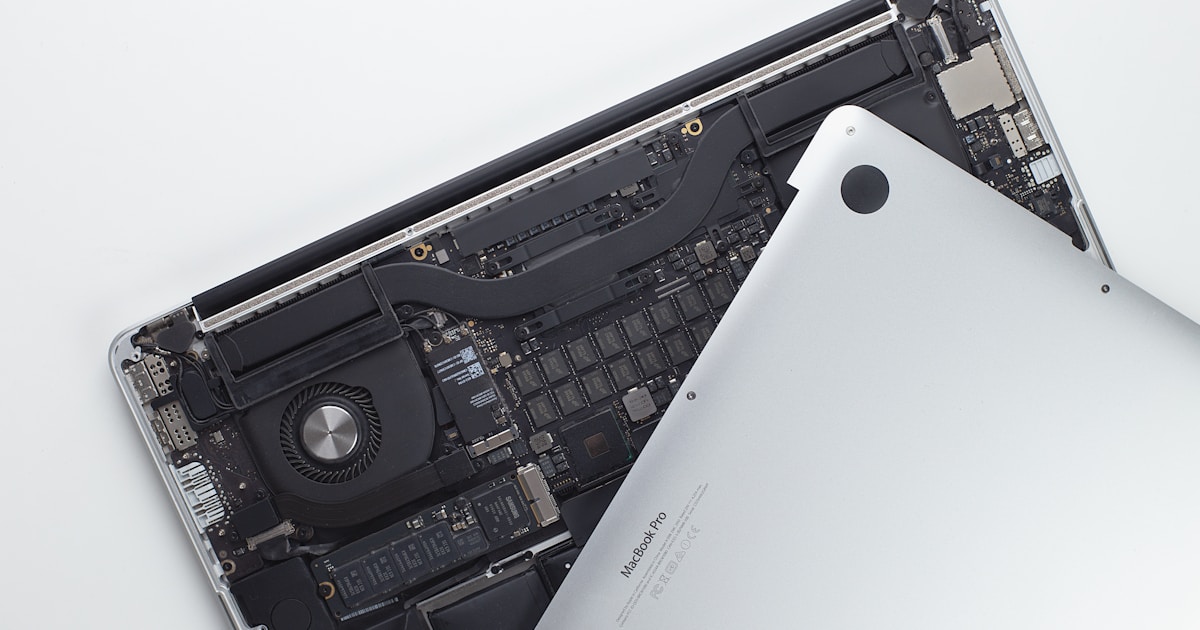
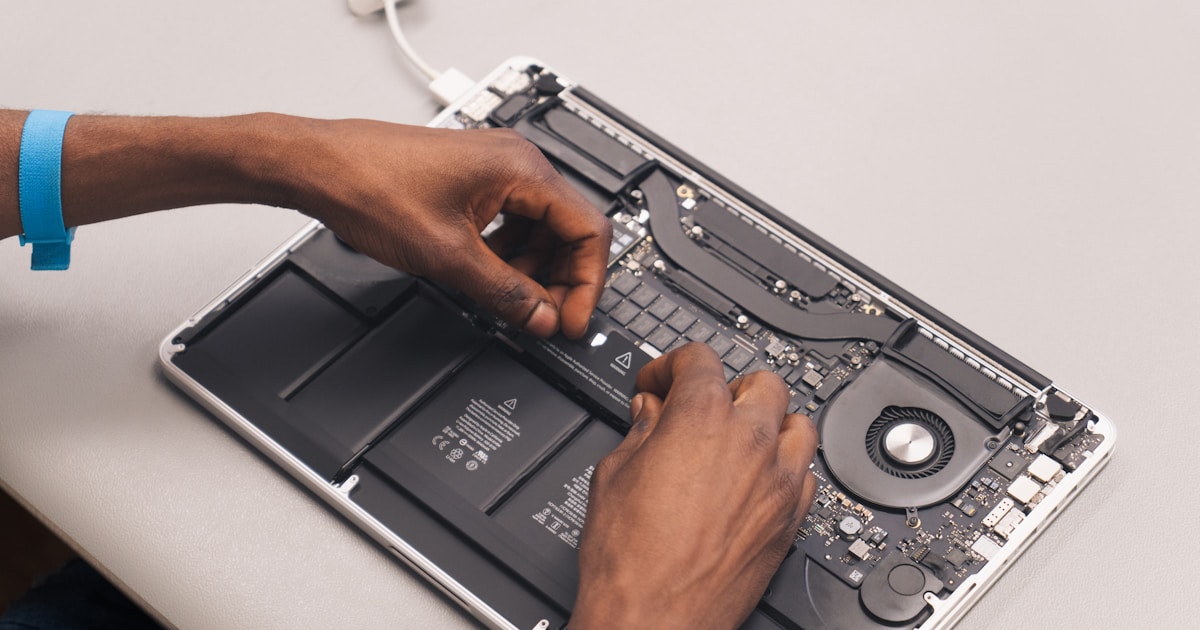
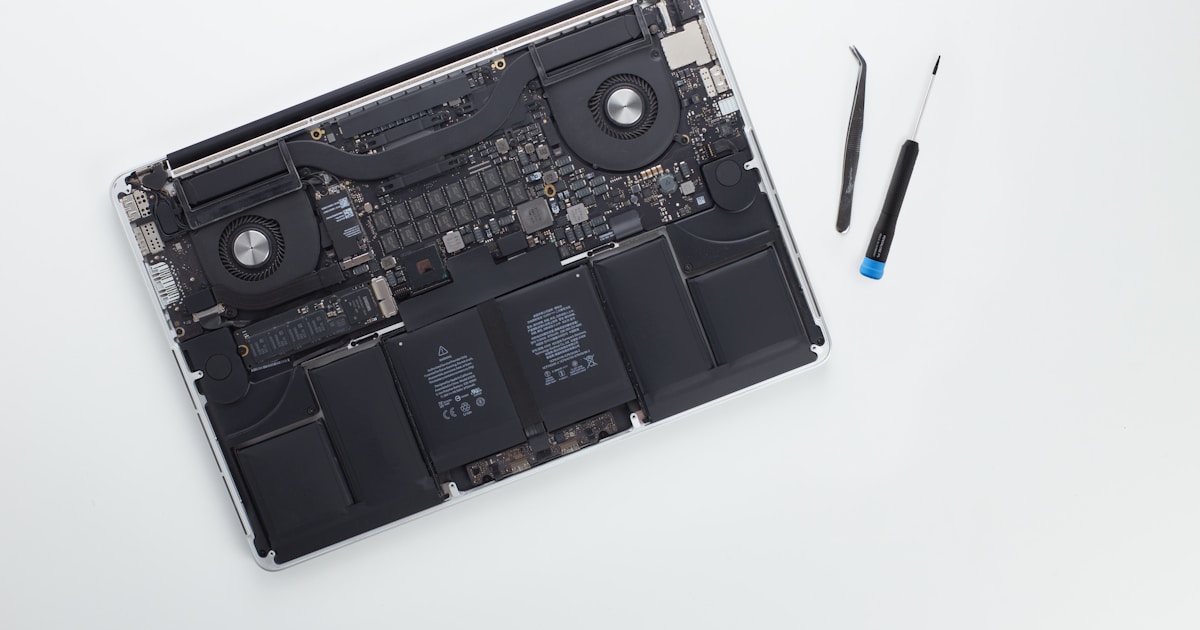
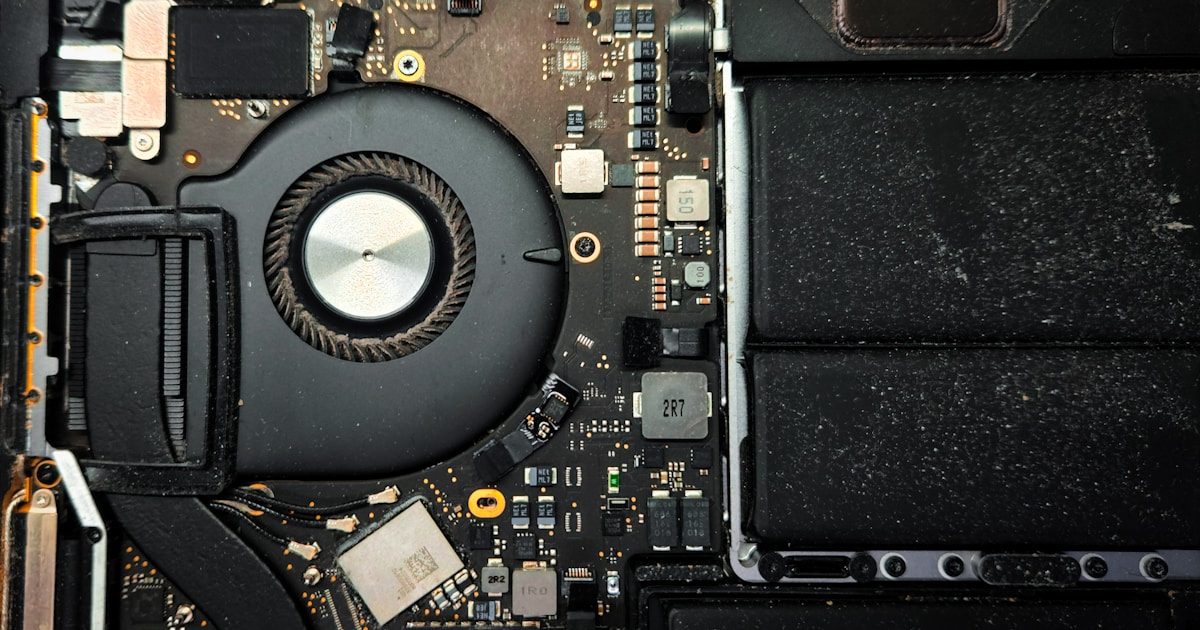
When dealing with MacBook SSD and memory repair, understanding the hardware components is crucial. SSDs (Solid State Drives) and RAM (Random Access Memory) are vital for performance. Common issues include drive not detected, disk not recognized, and boot errors, often due to hardware failures or software corruption.
Symptoms of SSD Failure
Common symptoms indicating SSD issues are system slowdowns, failure to boot, or the disk not being recognized by the system. The failure can result from excessive write cycles leading to NAND flash wear, or issues with the SSD controller, such as the T2 chip in some MacBook models.
Diagnosing SSD Problems
Begin diagnostics by checking if the SSD is detected in the MacBook's Disk Utility. If undetected, the potential issues may be with the NAND flash memory or the SSD controller. Tools like Apple Diagnostics can help confirm hardware faults.
Common Repair Techniques
- NAND Memory Replacement: Replacement of failed NAND chips is often needed for models like MacBook M2.
- Controller Repair: Repairing or replacing the T2 SSD controller can resolve issues where the drive is not recognized.
- Data Recovery: Specialized techniques are required for recovering data from a non-functional SSD.
MacBook Memory (RAM) Repair
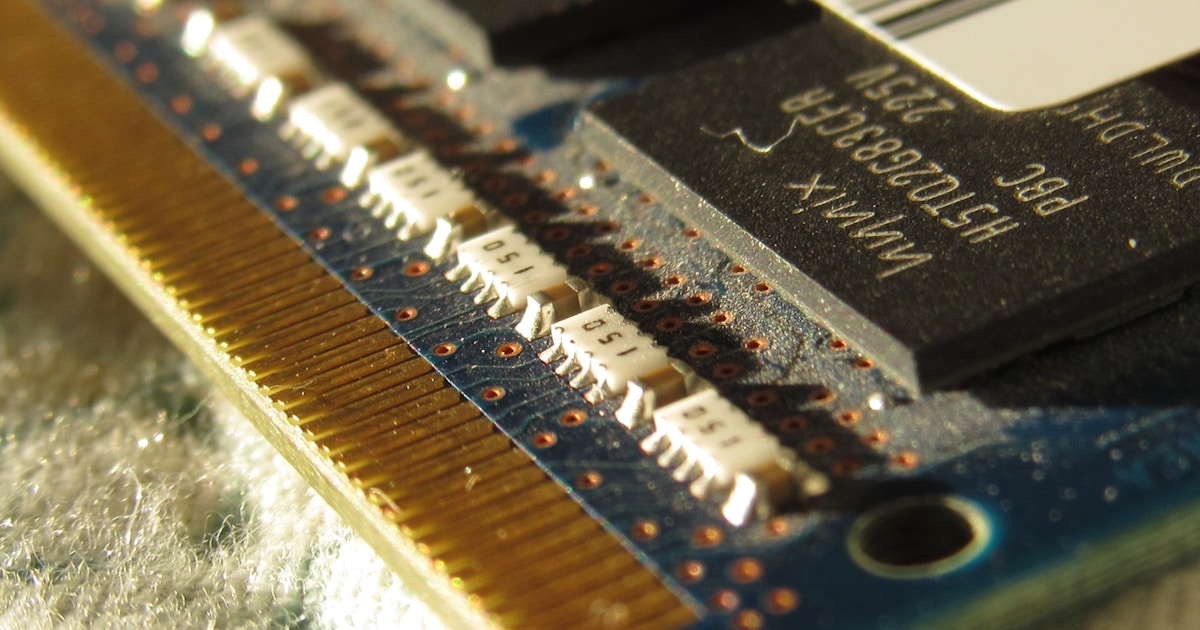
Issues with MacBook RAM, especially in models with unified memory like the M1, can lead to system instability or failure to boot. Symptoms include random system crashes and failure to load the operating system.
Memory Repair Approaches
- RAM Chip Reballing: Reballing involves re-soldering memory chips to ensure proper electrical contact.
- LPDDR Memory Replacement: Older models may require LPDDR module replacement when errors are detected.
NAND Memory and SSD Controller Repair
MacBook models equipped with NAND memory, such as the MacBook M1 using Kioxia and M2 with Samsung chips, require precision when it comes to repair. The symptoms typically involve SSD not being recognized or persistent boot errors.
Diagnostic Approach
Use an oscilloscope to test the power rails and data lines of NAND memory and SSD controllers. Voltage fluctuations could indicate a failing component. For instance, using the relation I = U/R, check current flowing through the NAND chips to ensure they match the required specifications.
Practical Tips and Recommendations
Regular backups are essential to prevent data loss due to SSD or memory failures. Utilizing high-quality components during repairs, such as replacing faulty NAND chips with SK Hynix or Samsung equivalents, ensures greater reliability and longevity of the repair.
Conclusion
The complexity of MacBook SSD and memory repair requires both a deep understanding of hardware diagnostics and precision in repair techniques. Whether it's NAND memory replacement or SSD controller repair, ensuring data integrity and system stability is paramount.