




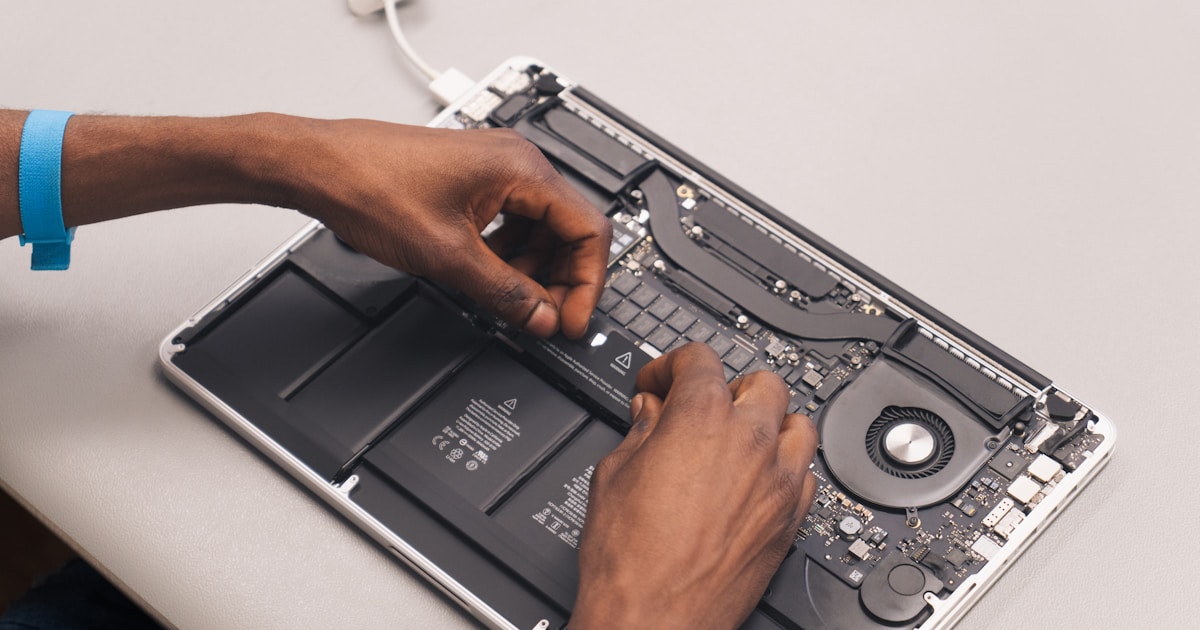
MacBook M1 devices are renowned for their performance and sleek design. However, like any technology, they are not immune to issues, one of which involves the SSD controller. The SSD controller plays a crucial role in managing data read and write operations. When it malfunctions, users might experience a range of problems, from system slowdowns to complete boot failures.
Symptoms of SSD Controller Issues
Recognizing the signs of a faulty SSD controller in your MacBook M1 T2 is essential for early intervention. Common symptoms include:
- Frequent system crashes or freezing during boot up.
- The storage drive not being recognized by the system.
- Unusual noises emanating from the device, especially during data-intensive tasks.
- Significant slowdown in read/write operations.
Potential Causes
The causes of SSD controller issues can be multifaceted, ranging from software glitches to physical damage. Overheating is a frequent culprit, as high temperatures can impair electronic components, including the SSD controller. Additionally, firmware corruption and power surges can also lead to controller failures.
Safe User-Level Checks
Before considering professional repair, users can perform several non-invasive checks to rule out simple fixes:
- Check Power Supply: Ensure that your MacBook is receiving adequate power. Faulty chargers or power fluctuations can affect performance.
- Inspect Connections: Securely connect all peripherals and reset any potentially loose connections.
- Monitor Temperature: Use software to check for overheating and ensure that the device's ventilation is unobstructed.
- Run Disk Utility: Use the built-in Disk Utility to verify and repair disk permissions, which may resolve minor software-induced issues.
For more detailed guidance on SSD and memory-related problems, explore our comprehensive MacBook SSD and memory repair resources.
When to Seek Professional Help
If the above steps do not resolve the issue, it is advisable to consult a professional. MacBook M1 T2 models feature compact, intricate hardware designs that necessitate specialized tools and expertise for repair. Particularly, SSD controller repair involves precise diagnostics and potential board-level repairs best handled by a certified technician.
Why Choose Expert Repair Services?
Professional repair centers possess the necessary equipment and technical know-how to address SSD controller failures without exacerbating the problem. Experts can accurately diagnose the root cause, whether it's a software issue or a more complex hardware fault, ensuring a reliable and lasting solution.
In conclusion, while certain initial checks can be performed safely by the user, SSD controller issues often require professional intervention. Understanding the symptoms and possible causes can guide when to seek expert assistance, ensuring your MacBook M1 T2 returns to optimal functioning.




