




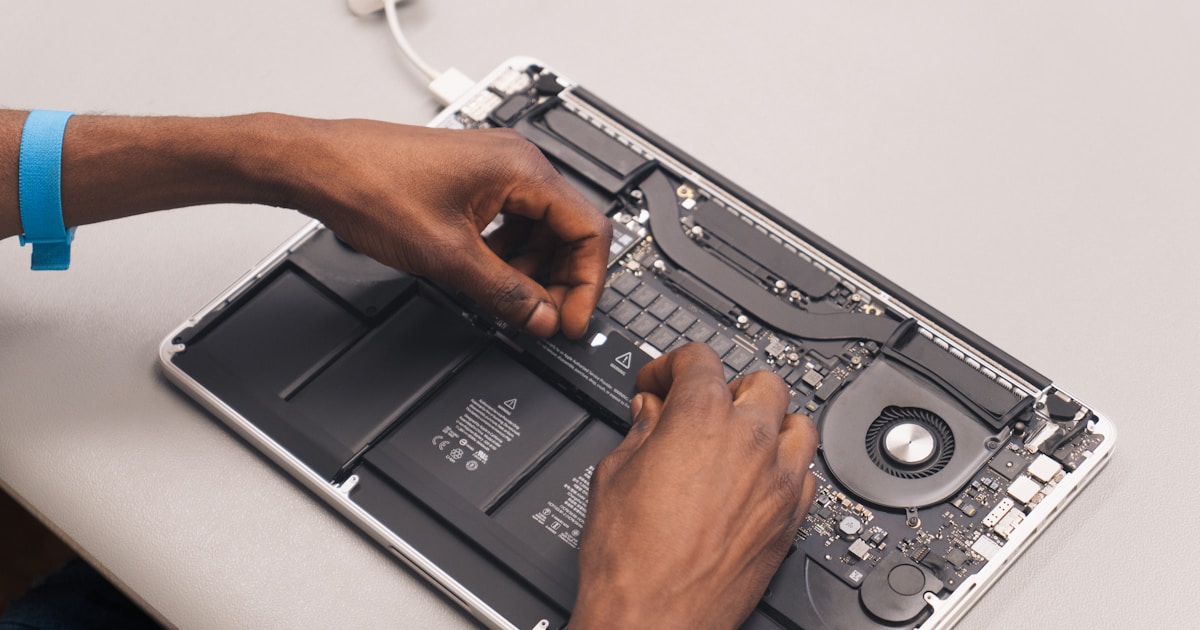
Understanding MacBook M2 Unified Memory RAM
The MacBook M2, equipped with unified memory, represents a significant leap in Apple's hardware design. Unlike traditional RAM configurations, unified memory integrates directly with the Apple Silicon, enhancing performance by allowing the CPU and GPU to access the same memory pool. This architectural innovation reduces latency and power consumption, but it also introduces unique challenges when repairs are needed.
Common Symptoms of Unified Memory Issues
When a MacBook M2 suffers from unified memory problems, users may experience a variety of symptoms. These can include unexpected shutdowns, application crashes, or the notorious spinning beach ball icon indicating system delays. In severe cases, the MacBook may fail to boot entirely, displaying a blank screen or an error message.
Potential Causes of Unified Memory Problems
Several factors can contribute to issues with MacBook M2's unified memory:
- Overheating: Excessive heat can compromise electronic components. Ensure your MacBook operates in a well-ventilated environment and monitor for signs of overheating, such as the fan running constantly.
- Physical Damage: Drops or impacts may damage internal components, including the unified memory.
- Software Conflicts: Certain applications or system settings might cause memory-related errors.
Safe User-Level Checks
If you suspect a problem with the unified memory, perform the following safe checks:
- Check for Overheating: Feel the MacBook's chassis to detect unusual heat levels. Use power management settings to ensure the device operates within safe thermal limits.
- Inspect for Physical Damage: Look for visible signs of damage on the chassis. If found, professional assessment is advisable.
- Reboot the System: A simple restart can often resolve temporary software conflicts. Ensure all data is saved before proceeding.
- Perform a Software Update: Keeping macOS updated can fix bugs that may affect memory management.
When to Consult a Professional
Due to the complexity of the unified memory's integration with the M2 chipset, in-depth repairs should be left to professionals. Attempting internal repairs can lead to further damage. If your MacBook M2 continues to display symptoms after user-level checks, consider reaching out to an authorized service provider. Specialized equipment and expertise are essential for diagnosing and resolving issues at the component level.
Additionally, if you've encountered any liquid exposure, immediate professional evaluation is crucial. Liquids can cause significant damage to electronic components, including the unified memory.
Conclusion
While the MacBook M2's unified memory offers enhanced performance, it also requires careful handling to prevent issues. By conducting basic checks and understanding potential causes, users can identify and mitigate minor problems. For complex or persistent issues, professional service is recommended. For more detailed insights into MacBook repairs, explore our article on MacBook Intel SSD Replacement.




