




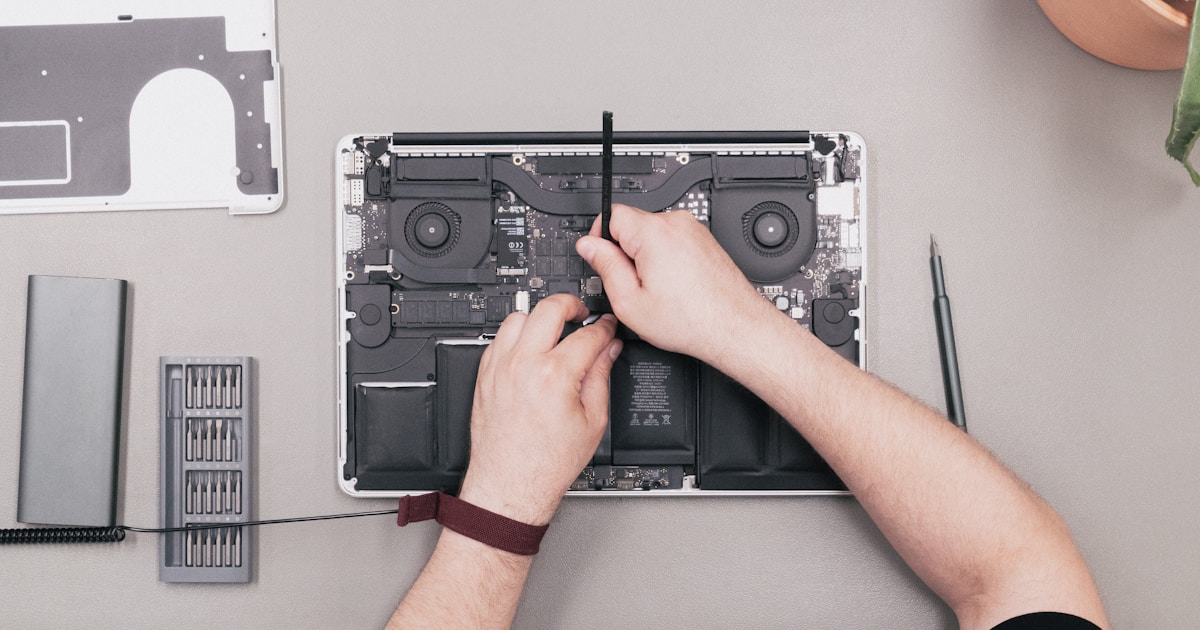
Understanding MacBook SSD Diagnostics
Solid State Drives (SSDs) are integral to the functionality of modern MacBooks, offering speed and reliability. However, when issues arise, effective diagnostics are crucial for identifying problems and determining the necessary steps for resolution. This guide provides insights into common SSD issues, symptoms, and basic troubleshooting practices you can perform safely at home.
Common SSD Issues in MacBooks
SSD issues in MacBooks can manifest through various symptoms, such as slow boot times, frequent crashes, or the system failing to recognize the drive. Understanding what these signs indicate is vital for effective diagnostics. For example, slow performance may be indicative of a drive nearing its capacity, while system crashes could suggest file corruption or hardware failure.
Symptoms and Their Implications
- Slow Booting: Often a sign of limited free space or fragmented files.
- Unexpected Shutdowns: Can indicate overheating or failing sectors on the SSD.
- Drive Not Recognized: Might result from a loose connection or more severe hardware issues.
Basic User-Level Checks
Before seeking professional help, there are several safe checks users can perform:
- Check Connections: Ensure all cables and connectors are securely in place.
- Free Up Space: Delete unnecessary files and applications to optimize performance.
- Monitor Temperature: Overheating can cause severe drive issues; ensure your device is not overheating.
- Run Disk Utility: Use macOS’s built-in Disk Utility to verify and repair the disk. However, if errors persist, it may indicate deeper issues requiring professional attention.
When to Seek Professional Help
If basic troubleshooting does not resolve the issue, it's recommended to consult with a professional. Complex SSD problems, especially those involving hardware failures, require specialized tools and expertise for diagnosis and repair. Attempting to fix hardware issues without the proper equipment can lead to further damage, voiding warranties, and data loss.
For more detailed analysis and repair services, consider visiting our Macbook M3 A2992 Ssd Repair — Boot Error page for professional diagnostics.
Conclusion: Ensuring SSD Longevity
MacBook SSD diagnostics are essential for maintaining device health and performance. By understanding common issues and performing basic checks, users can often resolve minor problems themselves. However, for persistent or serious issues, professional diagnostics and repair services are recommended to ensure the longevity and functionality of your SSD.




