




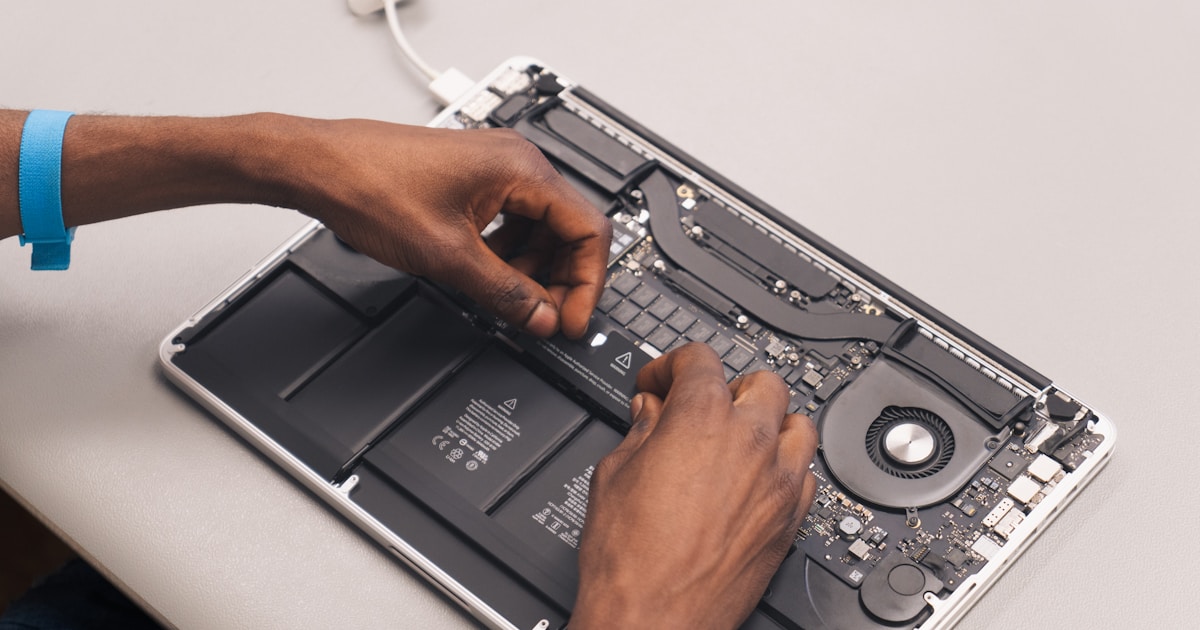
Understanding the MacBook Memory Bus
The memory bus in a MacBook plays a crucial role in data transfer between the memory and other parts of the computer. It is an integral component that supports the seamless operation of your device. When the memory bus malfunctions, it can lead to various performance issues, including system instability, frequent crashes, and slow processing speeds.
Common Symptoms of Memory Bus Issues
Detecting a problem with the MacBook memory bus can often be done through observing specific symptoms:
- Random Shutdowns: Your MacBook may unexpectedly turn off during operation.
- Performance Lag: Noticeable delays in processing tasks, especially those requiring substantial memory usage.
- Frequent Crashes: Applications may crash or the system may freeze during use.
- Boot Errors: Difficulty in booting up with error messages or the absence of the startup chime.
Potential Causes of Memory Bus Failures
Several factors can lead to issues with the memory bus:
- Physical Damage: Dropping the device or exposure to liquids can damage internal components.
- Overheating: Excessive heat can impair the performance of the memory bus.
- Manufacturing Defects: Occasionally, inherent defects could be present in the components.
- Software Conflicts: In rare instances, specific software issues may mimic hardware failures.
Safe User-Level Diagnostics
Before considering professional repair services, users can perform basic checks:
- Restart the Device: A simple reboot can resolve minor glitches affecting memory bus functions.
- Check for Overheating: Ensure the device is not operating in excessively hot conditions. Use cooling pads if necessary.
- Inspect External Hardware: Remove all peripherals to rule out external influence on the computer's behavior.
- Run Diagnostic Tools: Utilize Apple's built-in diagnostics to identify potential hardware failures.
When to Consult Professional Repair Services
If the symptoms persist after conducting the above checks, it is advisable to seek expert assistance. Repairing the memory bus involves intricate work with the MacBook's internal hardware, which should only be performed by qualified technicians. Attempting such repairs independently can lead to further damage or void warranty protections.
Choosing a Qualified Service Center
When selecting a service center for your MacBook memory bus repair, consider the following:
- Certification: Ensure the technicians are certified and experienced in handling Apple products.
- Reputation: Look for a service center with positive reviews and a strong track record.
- Warranty Support: Confirm whether the repair service can maintain or offer warranty solutions.
Conclusion
Understanding the symptoms and potential causes of MacBook memory bus issues can help in taking timely and appropriate action. While some initial diagnostics can be done safely at home, consult a professional service center for any necessary repairs.




