




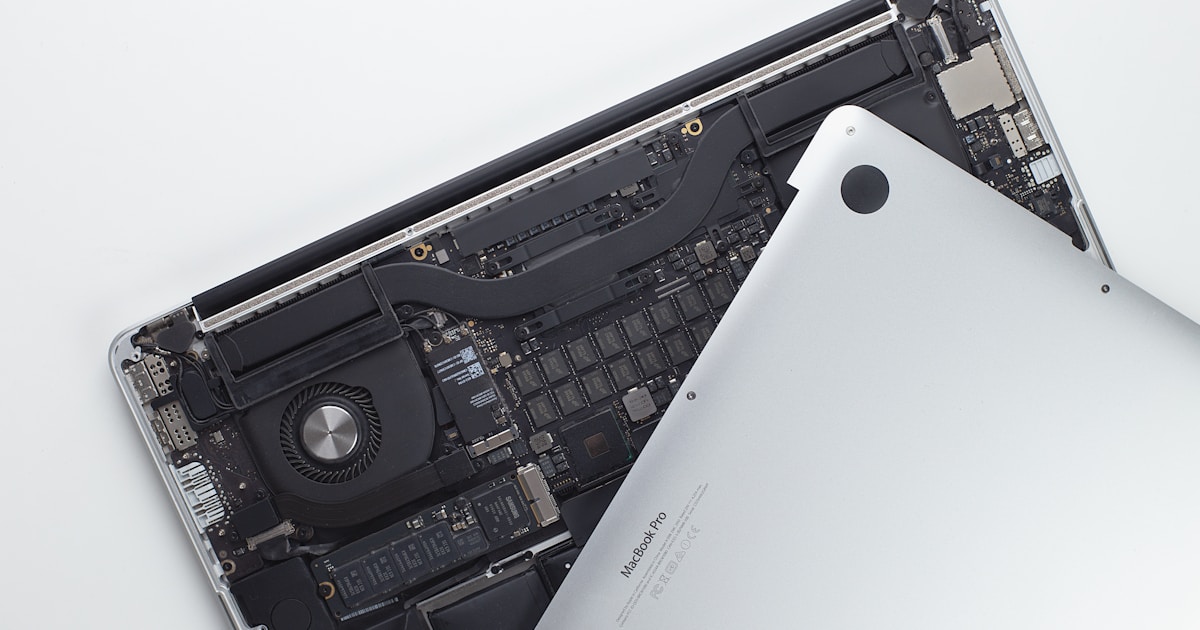
Understanding the MacBook Intel T2 SSD Controller
The MacBook Intel T2 chip serves as the controller for the SSD in many recent MacBook models. This chip plays a crucial role not only in managing data read/write operations but also in ensuring the security of the device, such as encrypted storage.
Common Symptoms of T2 SSD Controller Issues
Users experiencing problems with their MacBook's T2 SSD controller might notice a range of symptoms. The most frequent issues include the MacBook failing to boot, prolonged startup times, or the SSD not being recognized by the system. In certain cases, users may encounter sporadic freezing or unexpected system shutdowns. These symptoms could indicate a malfunction at the controller level or related components.
Potential Causes Behind the Symptoms
Several factors can contribute to these problems. Overheating is one common cause, as excessive heat can affect the performance and longevity of the T2 chip. Physical damage or liquid exposure can also lead to malfunctions. Additionally, software conflicts or firmware bugs are possible culprits, particularly after system updates.
Safe User-Level Checks and Solutions
Before seeking professional repair, users can perform a few checks themselves to rule out minor issues:
- Power Supply: Ensure that the MacBook is connected to a reliable power source. Try using a different charger or cable to eliminate faulty accessories as the cause.
- Cooling: Check for overheating by feeling the bottom of the laptop. If it's excessively hot, allow it to cool down and ensure that air vents are unobstructed.
- System Reset: Performing a simple restart or a reset of the System Management Controller (SMC) can sometimes resolve temporary glitches.
- Software Update: Ensure that the system is running the latest version of macOS, as updates can fix known bugs.
If these steps do not resolve the issues, it might be time to consider professional repair.
When to Seek Professional Repair
Professional repair is recommended when the problem persists despite basic troubleshooting. Issues like physical damage to the chip or complex software conflicts require specialized diagnostic equipment and expertise that are typically beyond consumer-level capabilities. It is also crucial to avoid attempts at DIY repairs that involve opening the device, as this may void warranties or exacerbate the problem.
Expert technicians are equipped to handle such repairs safely, ensuring that the T2 chip and SSD are restored to optimal condition. They can also verify if other components might be contributing to the issue, providing a comprehensive solution.
If you're facing issues with your MacBook's SSD, Macbook M2 A2681 Ssd Repair — Disk Not Recognized might offer additional insights into related problems.
Conclusion
The MacBook Intel T2 SSD controller is an integral part of your device's functionality. Recognizing the symptoms of its malfunction and knowing when to seek professional help can save you from potential data loss and further complications. Always prioritize safe troubleshooting and rely on certified technicians for complex repairs.




