




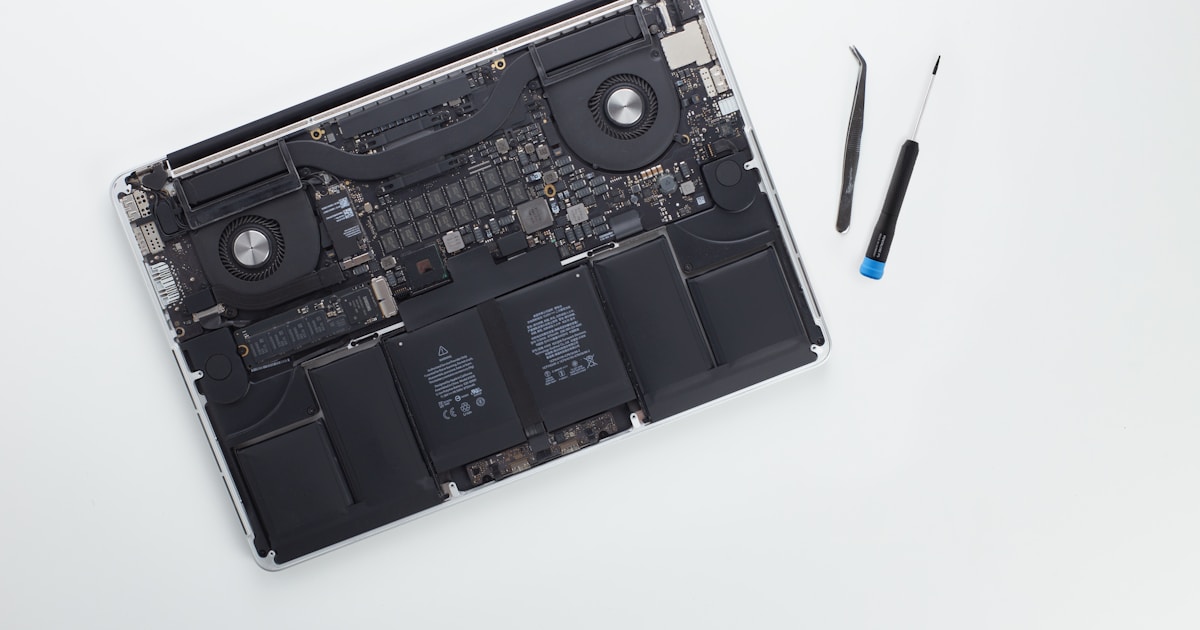
Understanding MacBook M3 Pro A2992 Motherboard Issues
The MacBook M3 Pro A2992 motherboard serves as the central platform for all electronic operations. It's crucial for the seamless functioning of your laptop, integrating components like the CPU, GPU, and memory. However, experiencing issues with the motherboard can disrupt this harmony.
Common Symptoms of Motherboard Failure
Recognizing the signs of a failing motherboard can prevent further damage. Key symptoms include:
- No Power: The device does not turn on despite being connected to a power source.
- Random Shutdowns: Unscheduled power-offs can imply overheating or motherboard issues.
- Unresponsive Hardware: Devices like the keyboard or trackpad not functioning could be motherboard-related.
- Screen Glitches: Visual distortions on the display can indicate graphical failures linked to the motherboard.
- Charging Problems: Battery not charging correctly might be attributed to motherboard connectors.
Initial Diagnostics and Safe User Recommendations
Before assuming the worst, a few basic checks can be performed safely at home:
- Power Connection: Ensure the power adapter and cables are firmly connected and undamaged.
- Behavior of Indicators: Check for the LED indicators' status when plugging in the charger.
- Battery Health: Attempt to boot with the charger alone to rule out battery issues.
- Basic Resets: Performing a simple restart or NVRAM reset might resolve minor glitches.
- Overheating Checks: Ensure the device is not excessively hot, which can lead to shutdowns.
When to Seek Professional Help
If the basic checks do not resolve the problem, it's time to consult a professional. Complex internal issues, such as component level failures, are best addressed by experienced technicians with the necessary tools. Attempting self-repair beyond basic checks might exacerbate the issue, leading to further damage.
Professional repair services will employ diagnostic tools to accurately identify the fault. Whether it's a motherboard repair or a component replacement, a service center ensures safe handling and repair of your valuable device.
Preventive Measures for Prolonged Motherboard Life
Adopting preventive strategies can extend the life of your MacBook M3 Pro A2992's motherboard:
- Regular Cleaning: Keep air vents clean to avoid overheating.
- Safe Use: Avoid exposing the laptop to extreme temperatures and humidity.
- Quality Accessories: Use certified cables and adapters to prevent electrical damage.
- Software Updates: Keep the operating system and drivers updated to prevent software-related issues.
Conclusion
Maintaining your MacBook M3 Pro A2992 in good condition requires awareness of potential motherboard issues. By recognizing the symptoms early and opting for professional repair services when needed, you can ensure the longevity of your device. Always prioritize safe handling and consult experts for complex internal repairs, ensuring your MacBook remains reliable and efficient.




