





MacBook motherboard repair
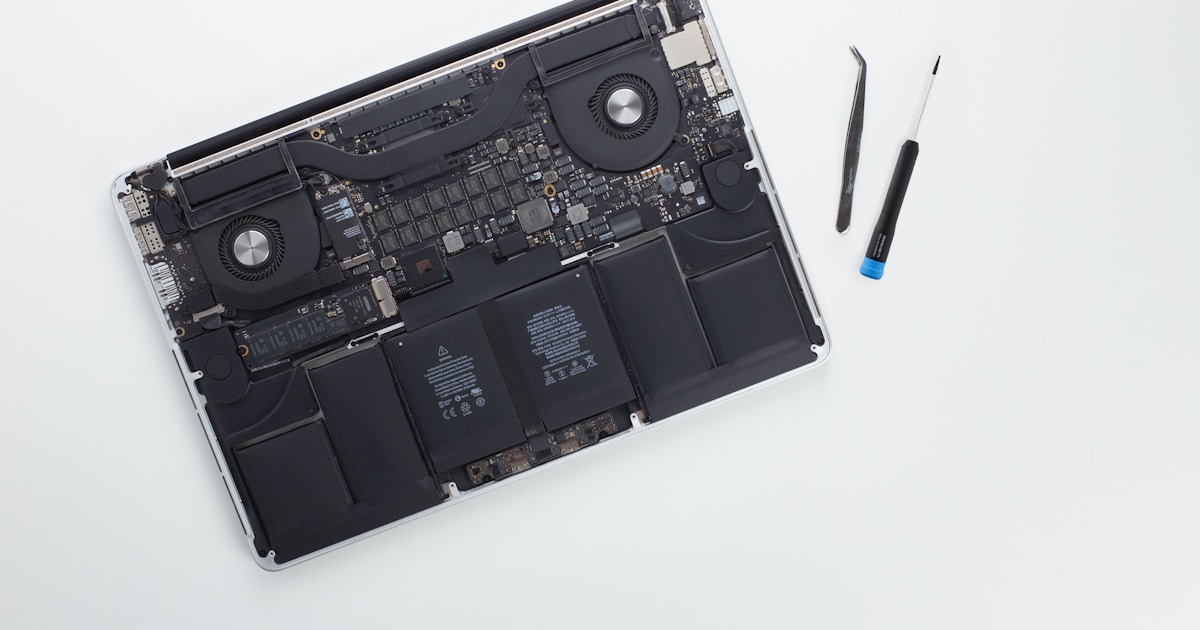
Comprehensive MacBook Motherboard Repair Services
MacBook motherboard repair demands a thorough understanding of both Apple’s proprietary technologies and general electronics repair principles. Whether dealing with a MacBook M1, M2, or traditional Intel chipset, each model presents unique challenges that require specialized diagnostic and repair techniques.
Identifying Motherboard Issues: Symptoms and Diagnostics
The first step in effective MacBook motherboard repair is identifying the specific issue. Common symptoms such as failure to power on, random shutdowns, or failure to charge often point towards critical components like the power management IC (PMIC), USB-C controller, or power rails.
For instance, an M1 MacBook not turning on might indicate issues with the CD3215 power controller or the PPBUS_G3H power rail. Using a multimeter, technicians can verify voltage levels on these power rails. The fundamental formula, P=U·I (Power = Voltage × Current), helps in determining if these components are operating under expected parameters.
Common Repair Techniques
M1 and M2 PMIC and Power Rail Repairs
Power Management IC (PMIC) plays a crucial role in regulating the power flow within the motherboard. Component like the CD3215 on the M1 or CD3217 on the M2 manage power delivery and communication with USB-C ports. Diagnosing faults typically involves verifying the correct operation of these ICs by checking continuity and resistance. Ohm’s Law, I=U/R (Current = Voltage / Resistance), assists in measuring current flow and identifying discrepancies.
Handling Short Circuits and Liquid Damage
Short circuits or liquid damage can severely affect the motherboard’s functionality. It's essential to trace the damage path using visual inspection techniques and continuity checks. For instance, post-liquid damage recovery often requires cleaning corrosion with isopropyl alcohol and replacing damaged components like MOSFETs, capacitors, or logic board traces.
Advanced Component Replacement
Controller and Chip Replacement
Components like the EFI ROM BIOS chip, SMC controller, or Thunderbolt controllers often need replacement due to malfunction. Utilizing a hot air rework station, BGA reballing techniques are employed to remove and replace these components accurately. This requires precision in temperature control to avoid damaging surrounding elements.
Restoring Audio and Connectivity Functions
Audio issues may necessitate replacing Cirrus Logic audio chips, while USB-C and Thunderbolt connectivity problems often involve the CD3215 and JHL7540 controller repairs. Each repair focuses on restoring signal integrity and ensuring robust communication channels within the MacBook’s architecture.
Preventive Measures and Maintenance
Regular maintenance and cautious usage are critical to prolonging the lifespan of a MacBook motherboard. Ensuring that the device is kept away from moisture, using surge protectors, and routine cleaning can prevent many potential issues. Furthermore, leveraging diagnostic software can preemptively identify failing components before major damage occurs.
In summary, MacBook motherboard repair is a complex process that integrates a deep understanding of electronic principles and Apple’s design specifications. Through precise diagnostics, effective repair techniques, and preventive strategies, technicians can extend the operational lifespan of these sophisticated devices.


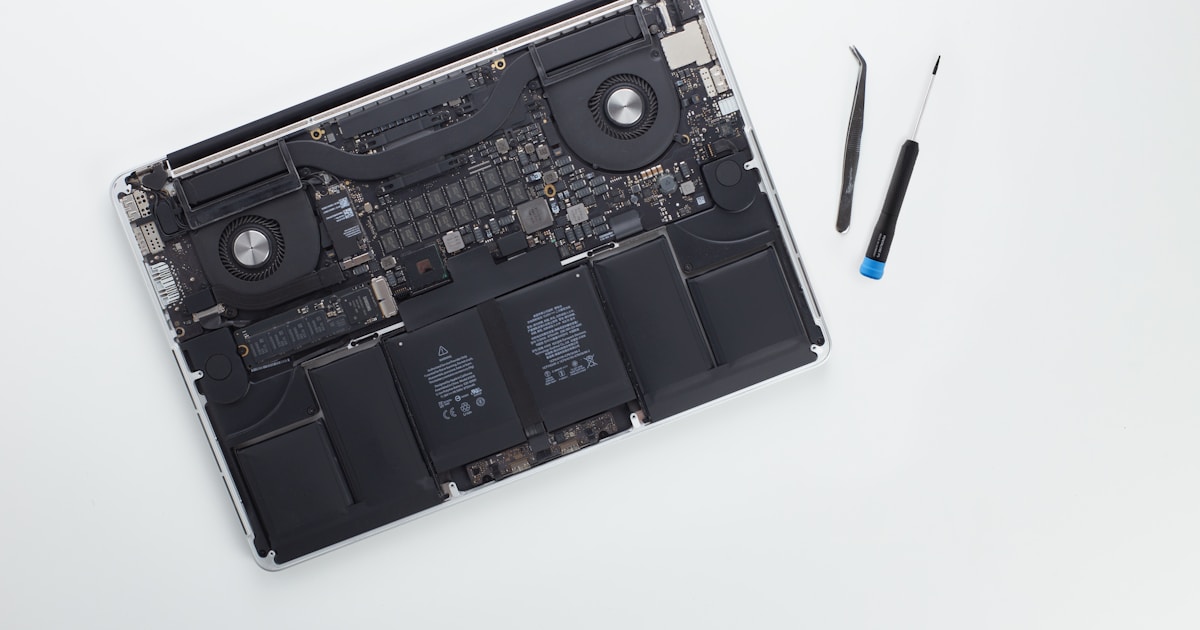


Common Repair Techniques
Effective MacBook motherboard repair requires a combination of diagnostic skills and precise technical execution. For instance, addressing short circuits in the M1 models often involves replacing faulty chips such as the CD3215. Similarly, BIOS chip replacements in Intel models like the A1466 are crucial for restoring the device's functionality.
Repair centers focus on reflow or reball methods for solder issues, especially when dealing with SMC controllers or EFI ROM BIOS repairs. Such techniques demand both skill and experience, underscoring the importance of selecting a reputable repair service.
What to Expect from Professional Services
Choosing a professional repair service ensures that you benefit from skilled technicians familiar with the latest MacBook models. These services not only fix existing issues but also enhance the overall performance of your device by preventing future problems. In particular, they can provide insights into maintaining power efficiency, especially in high-demand models like the M1 Max and M2 Max.
Ultimately, whether your MacBook requires a simple keyboard controller repair or complex motherboard trace repair after corrosion, professional services offer the expertise and tools necessary to return your device to optimal condition, ensuring longevity and reliability.




