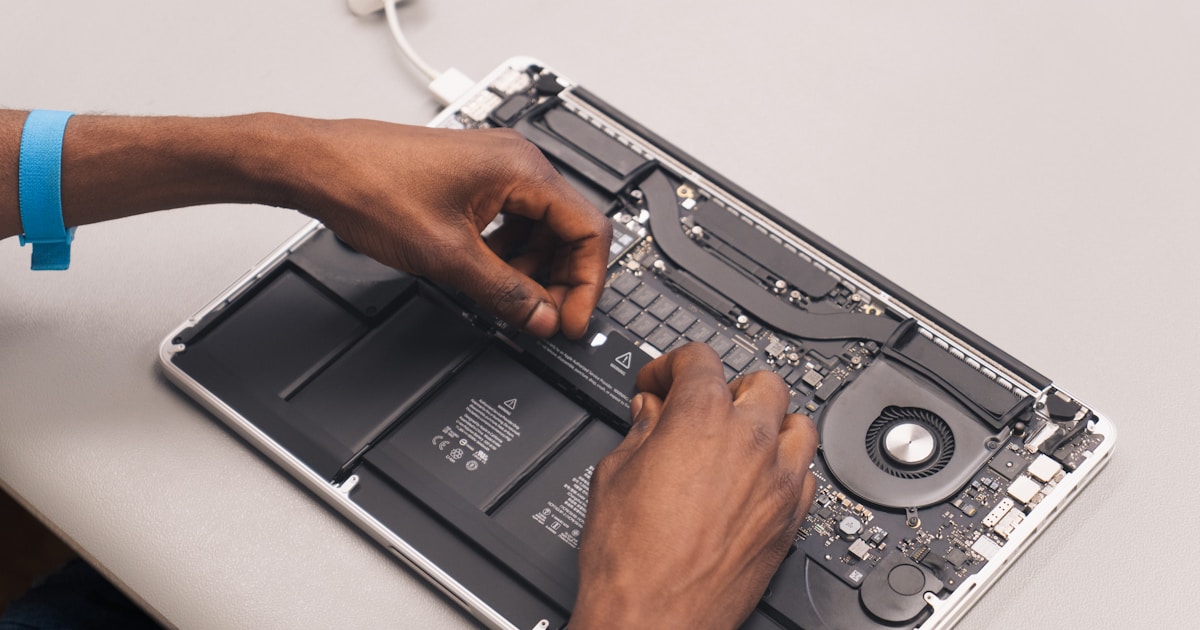
MacBook screen repair

Understanding MacBook Screen Repair
MacBook screen repair is an intricate process that involves diagnosing and fixing issues related to the display. Common problems include cracked displays, backlight failures, and screen flickering. This article explores various repair scenarios for models like the MacBook Air M1 A2337 and the MacBook Pro M2 16 A2780.
Common Screen Issues
- Cracked Display: Physical damage often leads to a cracked screen, requiring a full display assembly replacement.
- Backlight Failure: Issues with the LP8550 backlight controller or flex cables can cause partial or complete backlight loss.
- Screen Flickering: This is frequently due to a failing backlight or faulty connections within the display assembly.
Diagnosing Screen Problems
The first step in MacBook screen repair is effective diagnosis. Symptoms such as a non-functioning display or lines on the screen should be evaluated. For instance, if the screen is completely dark, it might be a backlight issue, necessitating verification of the LP8550 backlight controller or related circuitry.
Symptom: Cracked Display
Hypothesis: Physical damage.
Verification: Visual inspection reveals a cracked screen.
Conclusion: Requires display assembly replacement.
Symptom: No Display Output
Hypothesis: Backlight failure or screen connection issue.
Verification: Test voltage at the backlight circuit using a multimeter (V).
Conclusion: Repair or replace the backlight circuit components.
Technical Aspects of Repair
MacBook screen repairs often involve intricate electronic components such as flex cables, LEDs, and display controllers. Mastery of circuit diagnostics is essential, as is understanding voltage and current relationships (P=U·I) and resistance (I=U/R).
Replacing the Display Assembly
Replacing a MacBook screen typically means replacing the entire display assembly, especially in newer models like the MacBook Pro M1 Max 16 A2485. This ensures all components from the LCD to the backlight are fresh and functional.
Handling Backlight Issues
Backlight issues might require addressing the LP8550 backlight controller or replacing faulty LED drivers. Verification of continuity in the backlight circuit using an ohmmeter is crucial to discerning the exact point of failure.
Preventive Measures and Recommendations
To avoid frequent screen repairs, it is advisable to use a protective case and be cautious with handling. Regular check-ups and proper care can extend the life of your MacBook’s screen.
Conclusion
MacBook screen repair is a complex procedure requiring technical expertise and the right tools. For professionals in New York, offering comprehensive repair services, understanding the specifics of each model, from the MacBook Air M1 A2337 to the MacBook M2 A2681, is critical. Whether it's a cracked screen or a backlight issue, correct diagnosis is the key to effective repair.